Ecommerce Email Examples for Small Stores
Explore ecommerce email examples for small stores: welcome, cart, post-purchase and win-back copy, send timing, consent, and measurement.
 9 min read
For a small online store, four useful emails can cover the key moments: a new signup, an unfinished cart, a recent delivery, and a buyer who has not returned. Each needs a clear reason to land in the inbox. You can write them without a large catalog or a sprawling automation setup.
The examples follow a fictional candle shop, Cedar & Wick. Swap in your own products, links, and policies. The suggested send times are starting points, not measured results.
The video demonstrates an abandoned-cart setup on one platform. You can use the copy with another platform.
Ecommerce email examples for small stores: the starter sequence
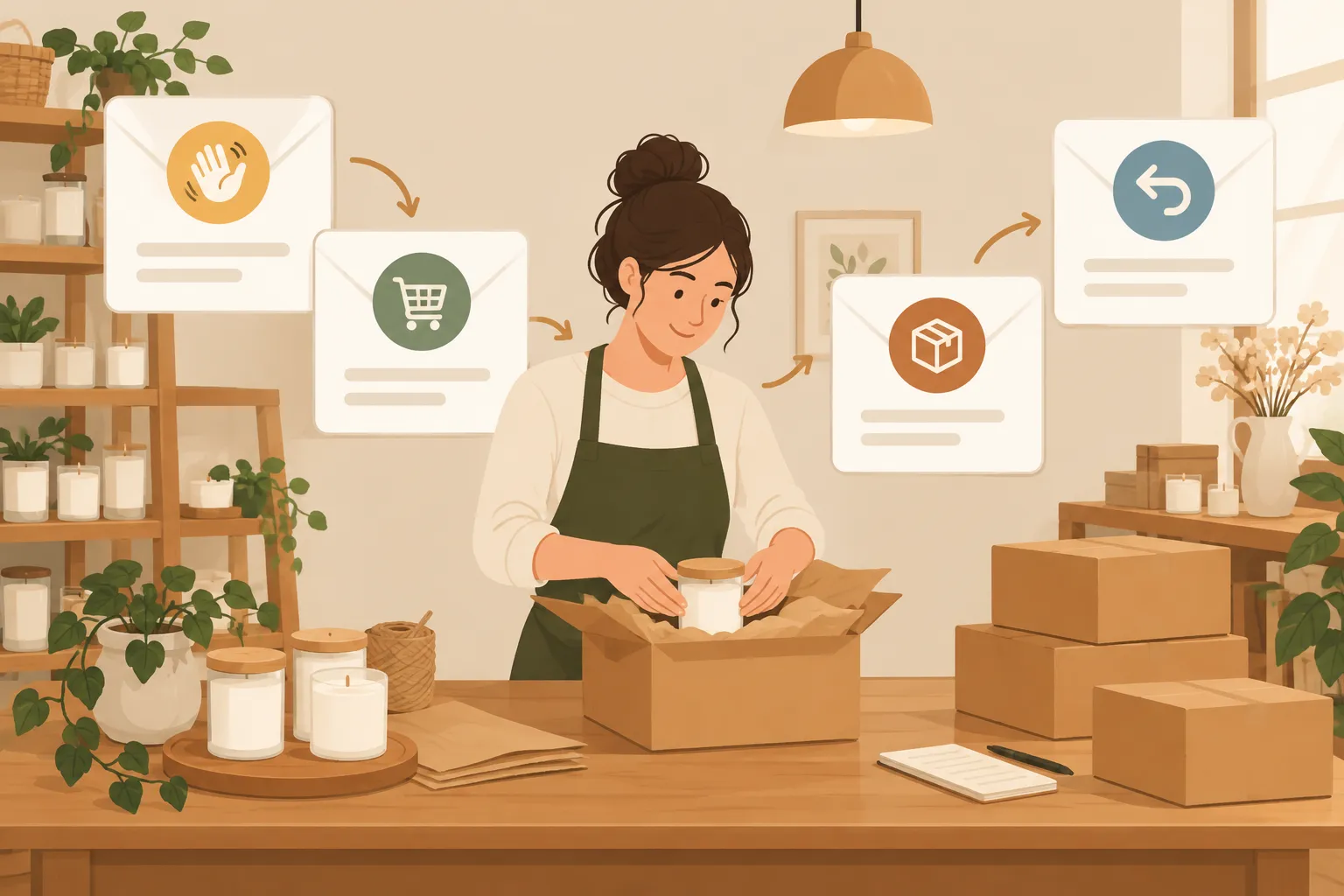
These are marketing emails. Order receipts and shipping notices serve the order itself; a promotional email needs its own audience and purpose. Treat the send times as starting points and adjust them to your product’s purchase cycle and customer responses.
|
|
Trigger and starting send time |
One job |
Skip or stop when |
|---|---|---|---|
|
Welcome |
Subscriber opts in; send promptly |
Deliver the signup promise and offer a first shopping path |
The address has not given the consent required for your marketing send, or has unsubscribed |
|
Cart reminder |
An identifiable, eligible shopper leaves a cart; try one reminder after a few hours |
Restore the cart and remove one buying obstacle |
The order is completed, the cart is empty, or the person is not eligible for marketing |
|
Post-purchase |
After delivery, once the buyer has had time to use the product |
Give care guidance and invite a reply or review |
The delivery has not happened, or the buyer cannot receive marketing |
|
Win-back |
After a meaningful gap in repeat purchases |
Offer a relevant path back |
The buyer has purchased again, unsubscribed, or already received the win-back |
One email per stage is a good start for a small list. A second cart message might answer a question shoppers often ask, but it needs a job of its own. Set priorities so a welcome offer, cart reminder, and general promotion do not reach the same person on the same day.
If the triggers are new to you, start with marketing automation for small business: first steps. Then adapt the store-specific copy here.
1. Welcome email: make the signup worth it
Send this after someone signs up for store updates. Deliver whatever the form promised: a first-order offer or a useful tip. Cedar & Wick promised a care tip, so its welcome email has no discount.
Subject: Welcome to Cedar & Wick
Preview text: A quick way to get more from your candle.
Hi [first name],
Thanks for joining Cedar & Wick. We make small-batch candles for the quiet parts of your day.
First tip: trim the wick before each burn and follow the burn instructions on the product label. It helps you get the experience the maker intended.
If you are choosing your first scent, start with our [scent finder].
[Find your scent]
Questions about a scent or an order? Reply to this email and tell us what you are looking for.
Cedar & Wick
Cedar & Wick introduces itself, gives a care tip, and offers a way to choose a first product. Replace [scent finder] with your own page. A short selection of bestsellers works if you have no quiz. Fill the remaining placeholders before using any of these email templates.
Put any promised code near the top, with its terms and a real expiration date if it has one. A signup welcome and an order confirmation need separate triggers, including when a customer subscribes at checkout.
2. Cart reminder: return shoppers to their exact items
Send a cart reminder only when you can associate the cart with an address eligible for this email type. Try one message a few hours after the shopper leaves. Remove it from the queue if the shopper buys.
Subject: Your Cedar & Wick candle is still in your cart
Preview text: Pick up where you left off.
Hi [first name],
Your [product name] is still in your cart. If you had to step away, your items are here:
[Return to your cart]
Wondering about delivery or returns? You can read our [shipping details] and [returns policy] before you decide.
Need a hand choosing a scent? Reply and tell us what you usually like.
Cedar & Wick
The product field names the item the shopper chose. The cart link should restore their selection; the policy links give them delivery and return details. Populate the fields from the current cart and try the recovery link on a phone. If it fails to restore the selection, link to the item and change the button copy.
Send the first reminder without a discount. Some shoppers need only a link back, and an offer cuts into a small order’s margin. If you test an incentive later, record its cost alongside recovered orders.
3. Post-purchase email: help before you recommend
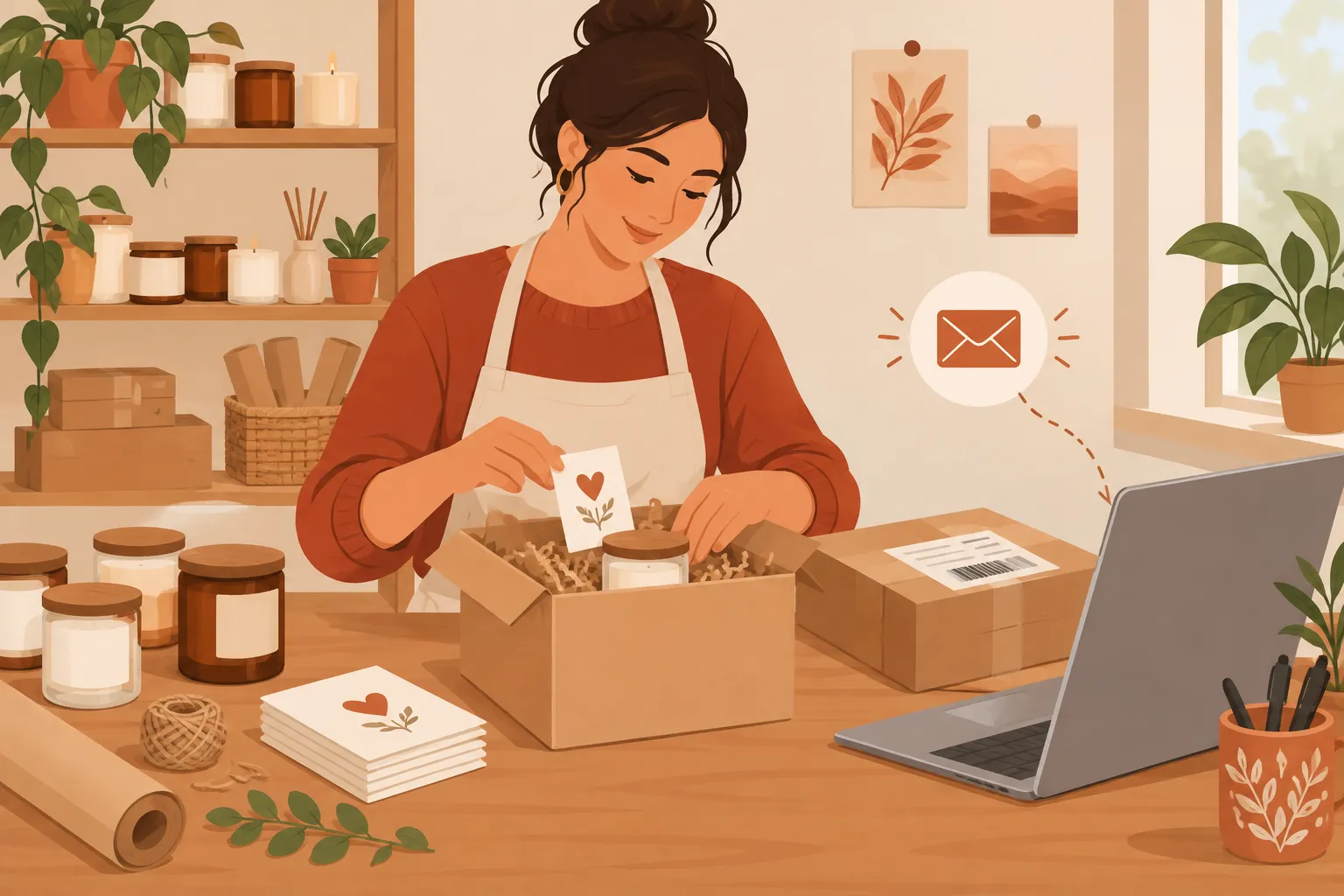
Send the order receipt with purchase details and a shipping notice with tracking information when available. The separate follow-up below comes after delivery, once the buyer has had time to try the product.
Subject: How is your Cedar & Wick candle going?
Preview text: Care help, or a place to ask a question.
Hi [first name],
Your [product name] should have arrived by now. If anything is missing or damaged, reply to this email so we can help.
For the next burn, follow the instructions on your candle’s label and keep it within sight while lit. Our [candle care page] has the details for this product.
If you have used it, would you share a short review? Your notes on the scent and room size can help another shopper choose.
[Leave a review]
Thank you for shopping with our small store.
Cedar & Wick
Use the delivery status for that opening line. Without delivery tracking, wait a conservative interval after shipment and ask, “Have you had a chance to try [product name]?” A buyer with a problem can use the reply invitation before getting to the review request. Send that request through a permitted marketing channel, and ask for an honest review, never a positive one.
A later reorder note can help buyers of replenishable goods. Buyers of durable products may get more from care instructions. Base the follow-up on the item purchased.
4. Win-back email: make returning easy, not awkward
Define “lapsed” around the product. Someone who buys a consumable every month has a different reorder window from someone who buys an annual gift. Send one concise message to past buyers who have passed your normal window without another purchase.
Subject: Looking for a new Cedar & Wick scent?
Preview text: See what is new, or tell us what you need.
Hi [first name],
It has been a while since your last Cedar & Wick order. If you are ready for another candle, our current scents are here:
[Browse current scents]
Not sure which one fits? Reply with the scent you liked last time and we will suggest a starting point.
If these emails are no longer useful, you can unsubscribe below.
Cedar & Wick
The win-back note points to current scents without guessing why the buyer stopped ordering. Link to products in stock and welcome replies from anyone who wants help choosing. If the buyer does not respond, follow your list-hygiene policy and stop repeating the appeal.
Keep the sequence permission-based
A purchase alone does not give you blanket permission to send promotions. Record how each address joined your email list, what the person agreed to receive, and whether they later unsubscribed. Keep promotional follow-ups out of receipts and shipping notices when a buyer has opted out of marketing.
Before turning on a flow:
-
Check the entry rule: Where did this address come from, and is this type of marketing allowed for that person under the rules that apply to your store?
-
Check the exit rule: A purchase should stop a cart reminder; an unsubscribe should stop marketing sends; a new purchase should stop a win-back.
-
Check the content: Identify the sender, use a truthful subject, provide the required unsubscribe route and store details, and honor opt-outs.
-
Check collisions: Set priority so one person does not receive multiple automated pitches at once.
Consent and unsubscribe requirements vary by location and message type. Set your platform rules for the places where you sell; a checkout address alone does not settle who can receive marketing.
For commercial email covered by the US CAN-SPAM Act, the FTC’s compliance guide calls for accurate sender information, nondeceptive subject lines, a valid postal address, and a clear opt-out method. The FTC also states:
“You must honor a recipient’s opt-out request within 10 business days.” – Federal Trade Commission
Measure what each email does
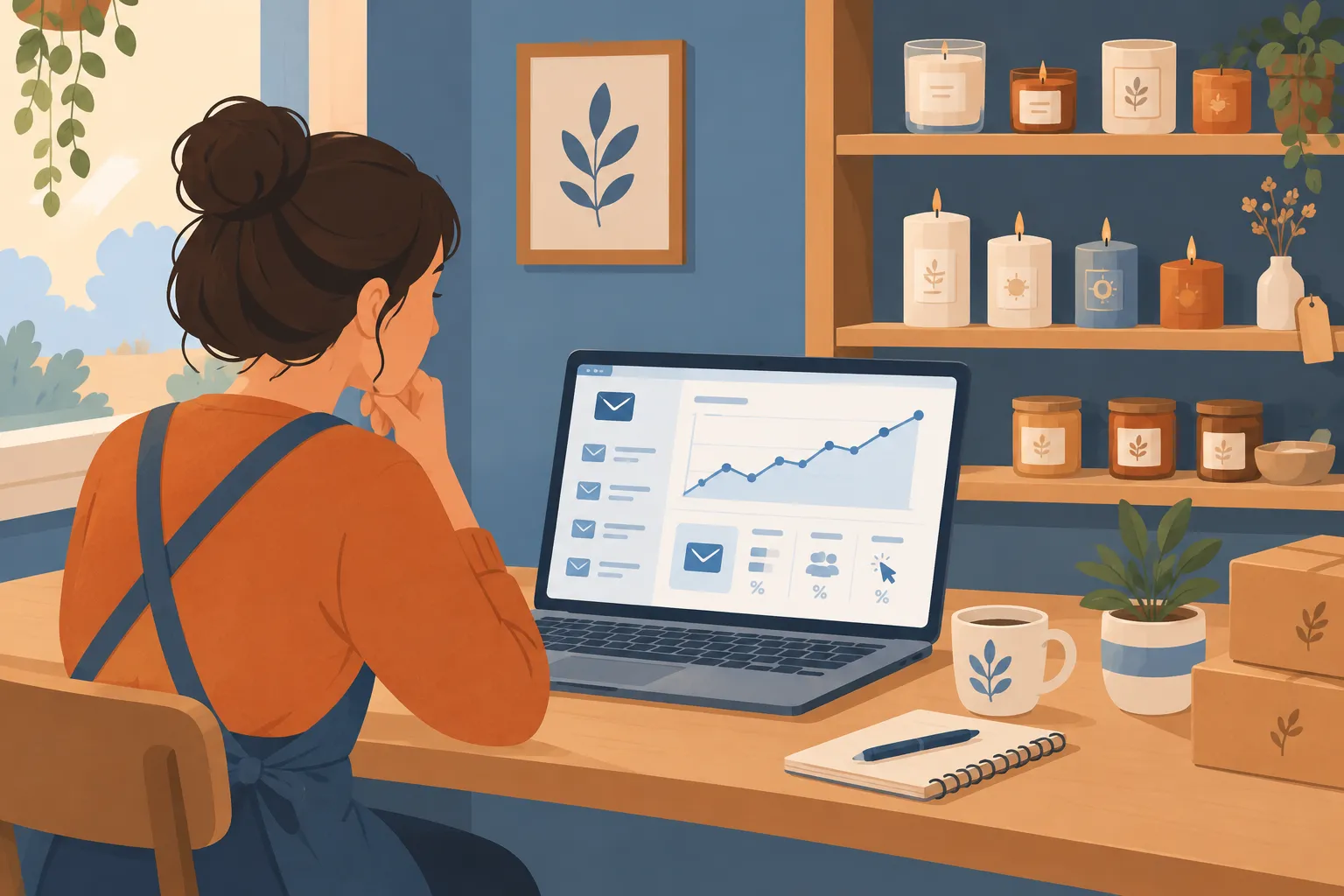
A basic worksheet is enough for each flow. Count eligible recipients, deliveries, unique clicks, orders, and revenue using the same attribution rule each time. Include unsubscribes and complaints alongside sales. Because of privacy features, opens alone are an unreliable measure of interest.
|
Flow |
Main question |
Useful reading of the numbers |
|---|---|---|
|
Welcome |
Are subscribers finding a first product? |
Clicks to the first shopping path and first orders among recipients |
|
Cart |
Are eligible shoppers returning to finish? |
Completed orders after the reminder, alongside carts that would have converted anyway |
|
Post-purchase |
Is the message helping buyers? |
Care-page visits, replies, review submissions, and support issues |
|
Win-back |
Are lapsed buyers still interested? |
Returning orders, clicks, unsubscribes, and complaints |
Some shoppers would buy without a reminder, so orders that follow an email are not all incremental sales. If your platform supports a randomized holdout, withhold the flow from a small eligible group and compare purchase rates over the same period. Without that comparison, call the revenue attributed rather than caused by the email. On a small list, read replies and complaints before drawing conclusions from slight rate changes.
Start with four useful messages
Write the welcome email first, followed by the cart reminder, post-purchase follow-up, and win-back note. Give each flow an entry rule, an exit rule, and one link or reply goal. A small store can maintain that sequence without adopting a large retailer’s campaign calendar.
For list-building and other marketing decisions, MikeGingerich.com has practical small-business resources. Pair those basics with these store-specific messages so subscribers receive what they signed up for.
For help choosing the software behind that sequence, see the site’s small-business email marketing tools overview.