Anthropic Enables Auto Mode by Default in Claude Code
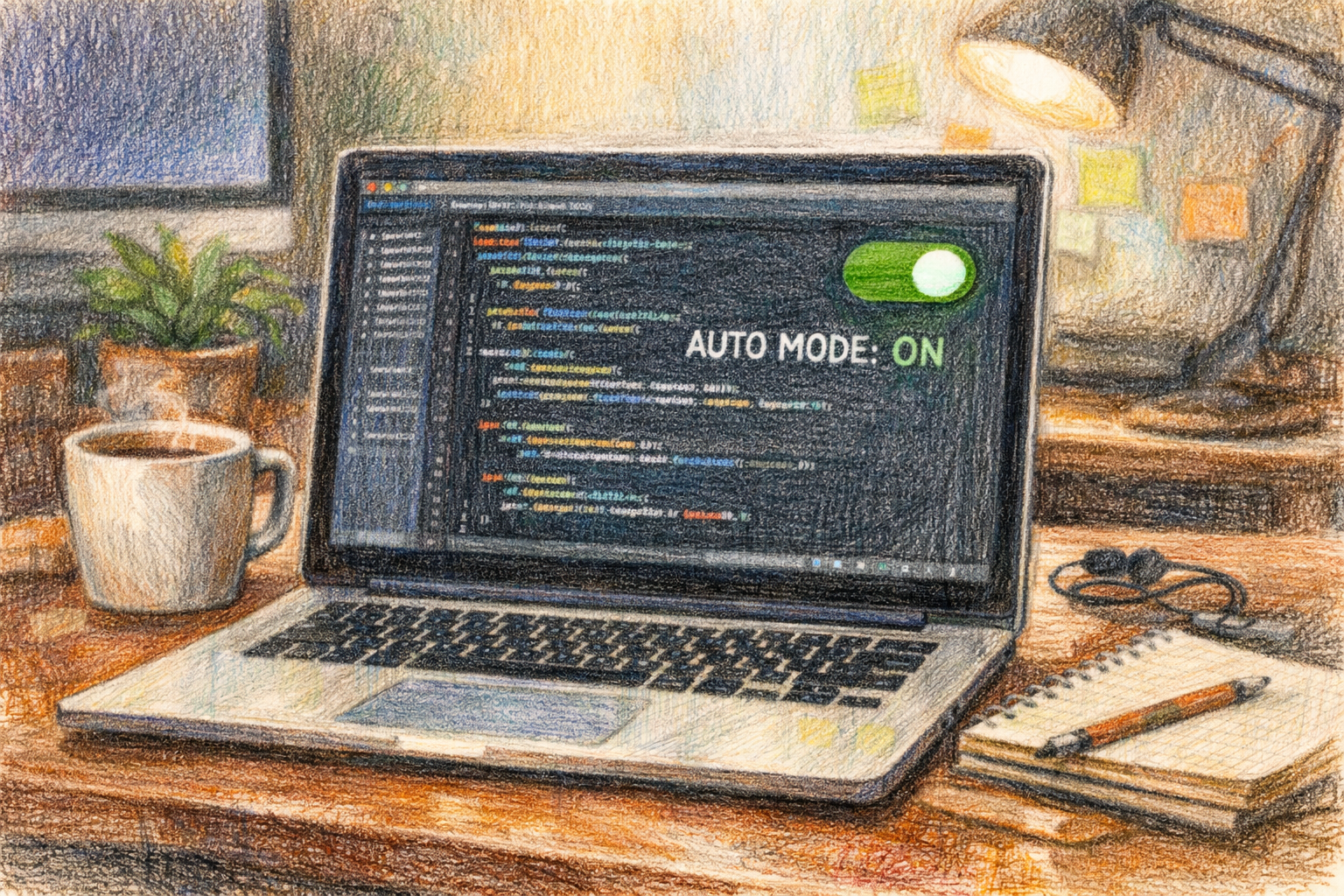
Anthropic is making a significant change to how its Claude Code tool operates for paid users. Starting August 14, 2026, Auto Mode will be enabled by default for Pro, Max, and Team plans, representing a shift in how the AI assistant interacts with user environments. The company frames the update as a safety enhancement, saying its automated classifier identifies risky operations more reliably than manual user approvals.

The change means Claude Code will automatically execute most actions without requiring explicit permission from users, though certain categories of operations will still trigger confirmations. The tool will automatically process actions unless they are irreversible, destructive, or outside the user’s environment, according to company communications about the rollout.
What Auto Mode Means for Users
Auto Mode represents a fundamental change in the interaction model between Claude Code and its users. Previously, the tool would request manual approval for various actions it wanted to take within a user’s development environment. With the new default setting, the AI assistant will make more autonomous decisions about when to proceed without explicit confirmation.
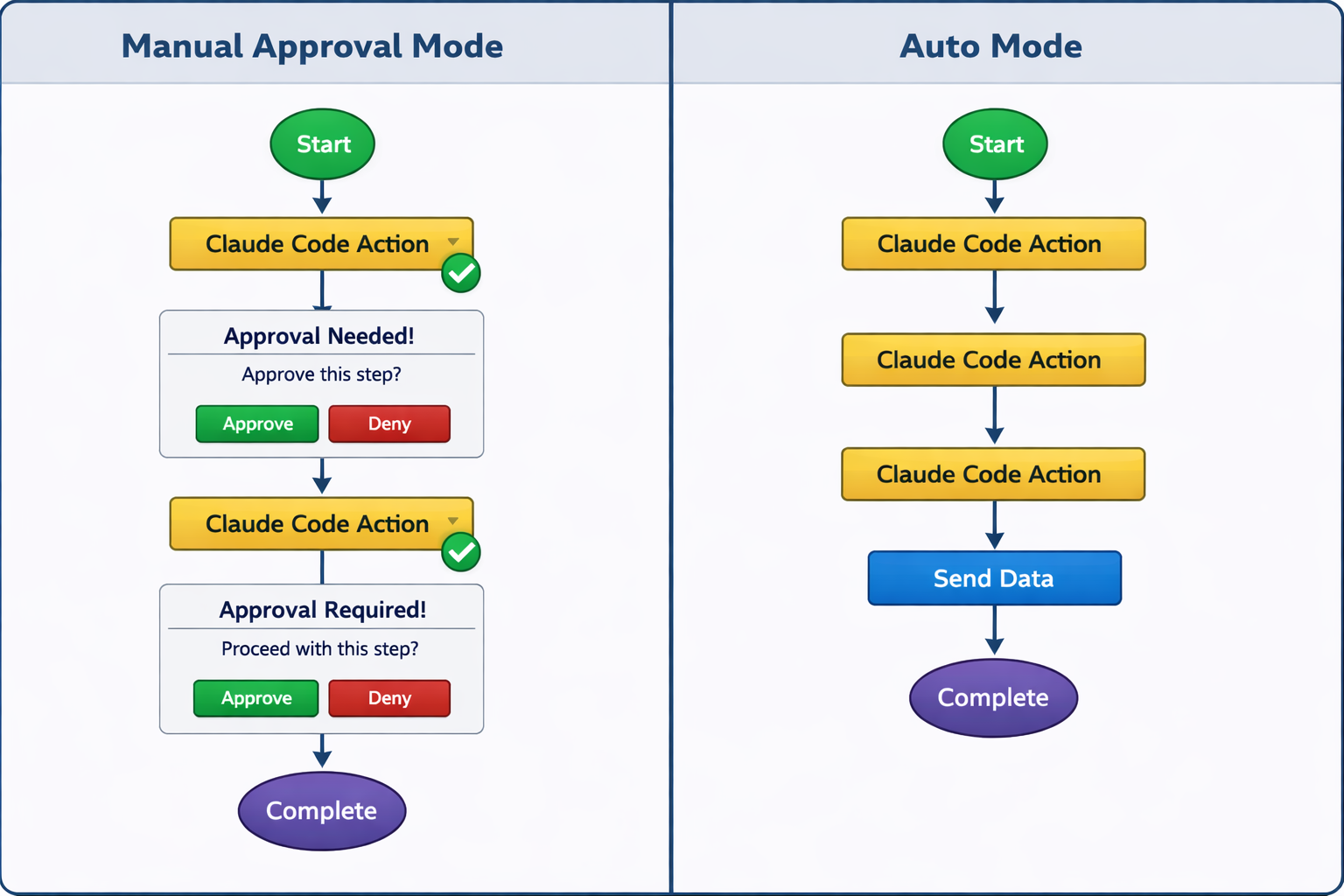
The update is positioned as a safety improvement, with Anthropic saying the classifier catches risky actions better than manual approvals. This suggests the company believes its automated risk-detection system can more consistently identify potentially harmful operations than users reviewing each individual action prompt.
The rollout will affect users across Claude’s paid subscription tiers, including Pro, Max, and Team accounts. Free-tier users and Enterprise customers may see different implementation timelines or configurations.
Broader Transparency Push
The Auto Mode change comes alongside other significant updates to Claude’s content identification capabilities. Anthropic is adding machine-readable invisible watermarks to text produced by newer Claude models, along with provenance metadata for generated files. These watermarking measures aim to make AI-generated content more traceable and identifiable, even after users copy, paste, or lightly edit the output.
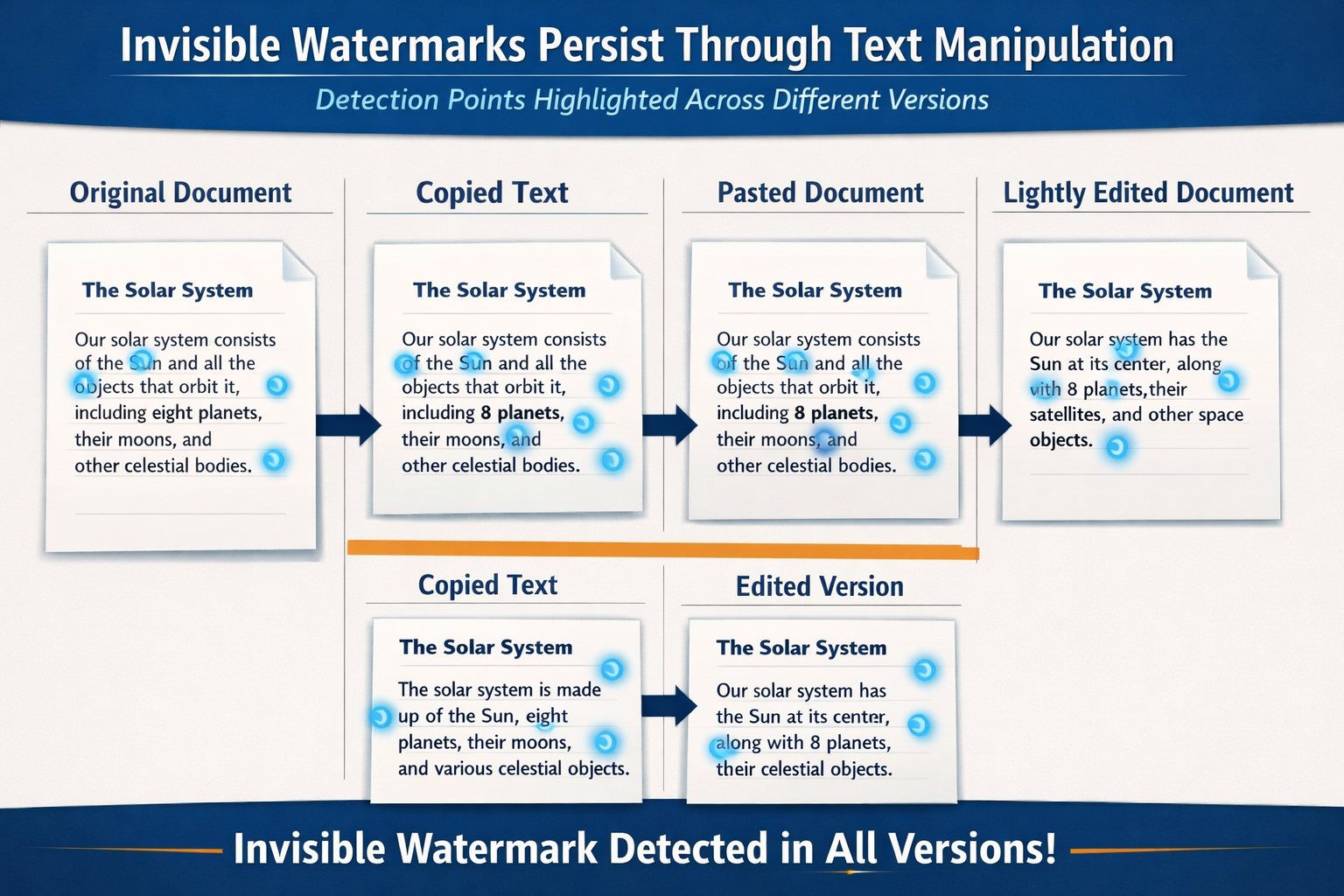
The change is intended to make AI-generated content easier to identify even after copying and light editing, addressing growing concerns about the difficulty of distinguishing human-written content from AI-generated material. The watermarking system uses machine-readable markers that persist through common text manipulation operations.
According to Japanese technology publication reports, the policy applies across Claude environments, including API, web, Claude Code, and Cowork, indicating a company-wide commitment to content transparency rather than a feature limited to specific products.
New Claude Code Capabilities
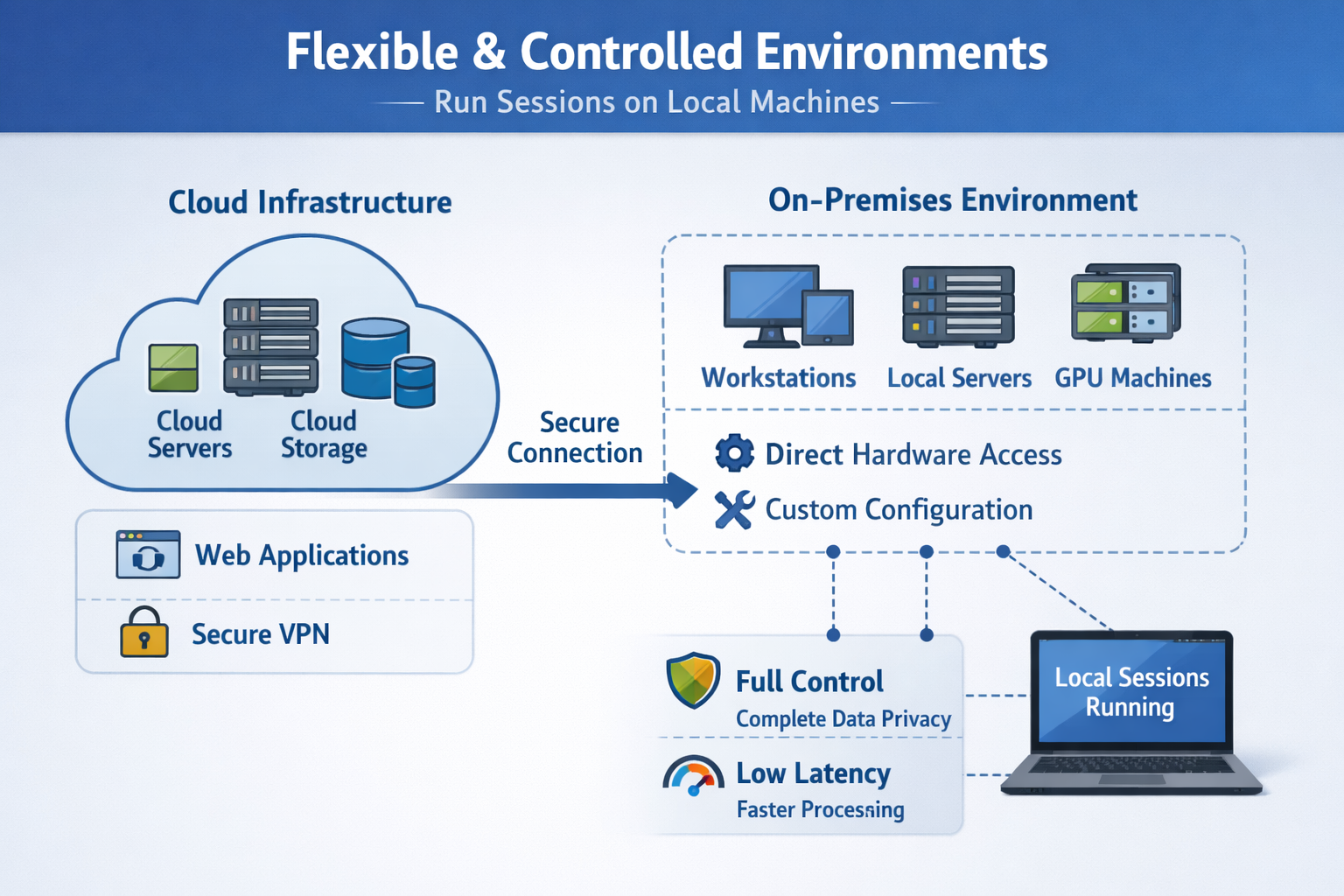
Beyond the Auto Mode default change, Claude Code has been receiving several feature additions that expand its functionality. Claude Code v2.1.224 adds self-hosted environments for Team and Enterprise cloud sessions, allowing sessions to run on users’ own machines. This gives organizations more control over where their development work occurs and what resources Claude Code can access.
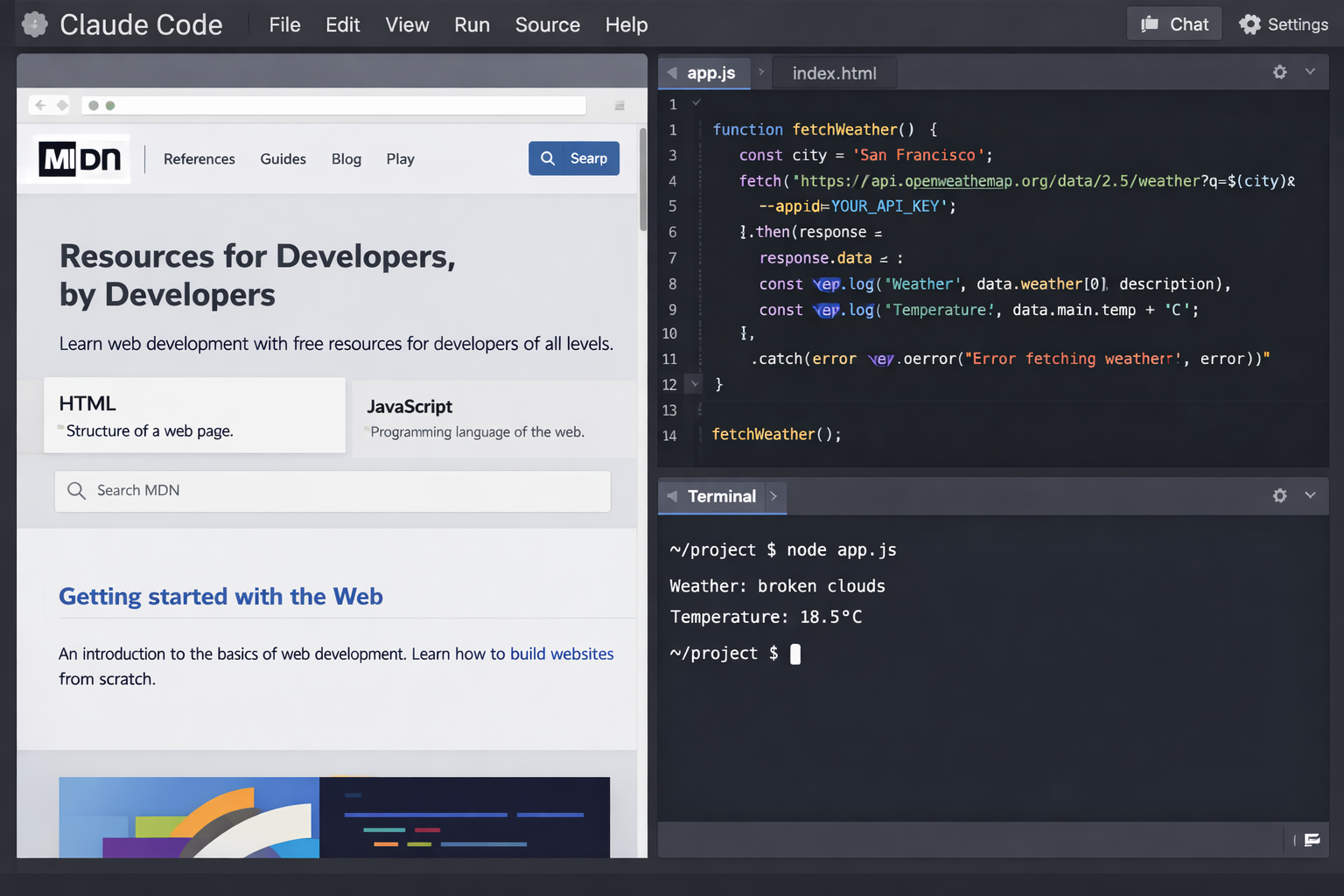
The desktop application has also gained new interface features. A new Claude Code desktop feature adds a built-in browser for web access inside the app, expanding the tool beyond purely terminal-based workflows. This integration suggests Anthropic is positioning Claude Code as a more comprehensive development environment rather than just a coding assistant.
Security Questions
At least one community technology forum has raised concerns about Claude Code’s codebase security. Claims emerged that Claude Code’s full source code was exposed through an npm source map, though these reports come from community posts rather than verified security research. If accurate, such an exposure would represent a significant transparency and security incident, potentially allowing competitors or security researchers to examine the tool’s internal workings in detail.
Anthropic has not publicly addressed these exposure claims in the reviewed sources.
Implications for Development Workflows
The shift to Auto Mode as the default setting reflects growing confidence in AI systems’ ability to make safe, contextually appropriate decisions during development tasks. However, it also represents a philosophical change in how AI coding assistants integrate into professional workflows.
Developers who prefer more manual control over their development environment will need to explicitly disable Auto Mode after August 14. Those who embrace the autonomous approach may see productivity gains from reduced interruptions for approval prompts, provided the automated risk classifier performs as intended.
The combination of Auto Mode, watermarking, provenance metadata, and self-hosted environments suggests Anthropic is simultaneously pushing for greater AI autonomy while building in more robust tracking and safety systems. This dual approach addresses both efficiency demands from users and accountability concerns from enterprises and regulators.
Key Facts
- Auto Mode becomes the default for Claude Code Pro, Max, and Team plans on August 14, 2026
- Actions that are irreversible, destructive, or outside user environments will still require manual approval
- Anthropic is adding invisible watermarks to Claude-generated text across all environments
- Claude Code v2.1.224 introduces self-hosted environments for Team and Enterprise users
- Provenance metadata will be attached to files generated by Claude
- The desktop app now includes a built-in browser for in-app web access