What is Two-Factor Authentication? A Must-Have Layer of Online Security
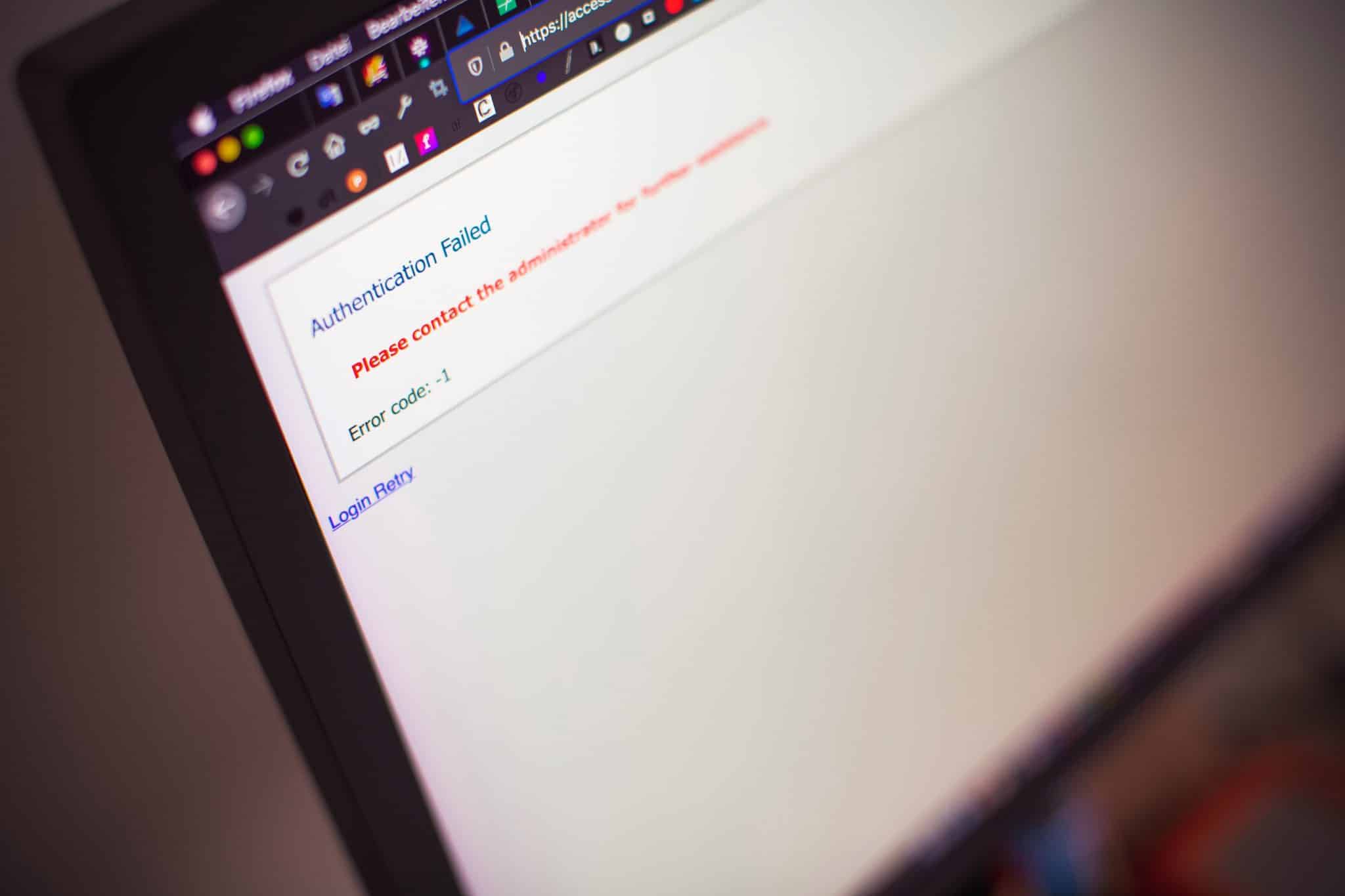
As our lives become more digital, the need to protect sensitive information online has never been more important. From personal email accounts to business systems, cyber threats are constantly evolving—making it clear that passwords alone are no longer enough to keep data secure. That’s where two-factor authentication (2FA) comes in. This simple but highly effective security measure adds an extra layer of protection to your accounts, helping to keep your information safe from prying eyes.
What Exactly is Two-Factor Authentication?
Two-factor authentication is a method of confirming a user’s identity by requiring two separate forms of verification. It works on a basic principle: something you know (like a password), and something you have (like your phone or an authentication app).
This extra step may only take a few seconds, but it plays a critical role in preventing unauthorized access—even if someone manages to steal your password.
How Does It Work?
Here’s a common example: you try to log in to your account using your username and password. Once entered, you’re prompted to enter a one-time code sent via SMS or generated by an app. Without that second step, the login attempt is denied.
Even if a hacker knows your password, they can’t get in without access to your second factor—usually your phone or another device.
Types of Two-Factor Authentication
There are various types of two-factor authentication in use today. Some of the most common include:
- Text Message (SMS): A one-time code is sent to your phone number.
- Authentication Apps: Apps like Google Authenticator, Authy, and Microsoft Authenticator generate time-sensitive codes.
- Push Notifications: You receive a prompt on your mobile device asking you to approve or deny the login attempt.
- Biometrics: Fingerprints, facial recognition, or voice scans used as a secondary verification method.
- Hardware Tokens: Physical devices such as USB keys that must be connected or tapped to complete the login.
Why Should You Use Two-Factor Authentication?
Passwords are vulnerable—no matter how strong they are. They can be guessed, phished, or leaked in data breaches. Two-factor authentication greatly reduces the chances of someone accessing your accounts without your permission.
Here’s why it’s so effective:
- It adds a second barrier to entry
- It protects sensitive personal and business information
- It’s widely supported across most major platforms and apps
- It significantly decreases the likelihood of a successful cyberattack
Where Should You Enable It?
Anywhere it’s available. Start with your most sensitive accounts—email, financial services, social media, cloud storage, and work platforms. Most popular services today offer an option to enable 2FA in your account settings.
For business owners and teams, implementing 2FA across company logins is essential. It helps prevent unauthorized access to internal systems, customer data, and financial records.
Security with Simplicity
The beauty of two-factor authentication is that it provides robust protection without complicating your login experience. It’s a small step that can prevent major headaches down the road.
If you’re ready to take your digital security to the next level, you can explore how to implement two-factor authentication across the accounts and platforms you use most. The sooner you enable it, the better protected you’ll be.