New Tutorial: Build WordPress Sites with Claude & Elementor
 1 min read
A new tutorial video demonstrates how beginners can create professional WordPress websites by combining Claude Design to plan websites, generate beautiful designs, and structure pages, then converting those AI-generated layouts into fully editable sites using Elementor. The step-by-step guide shows users how to build responsive websites without complex plugins or coding knowledge, offering an accessible entry point for those new to web design.
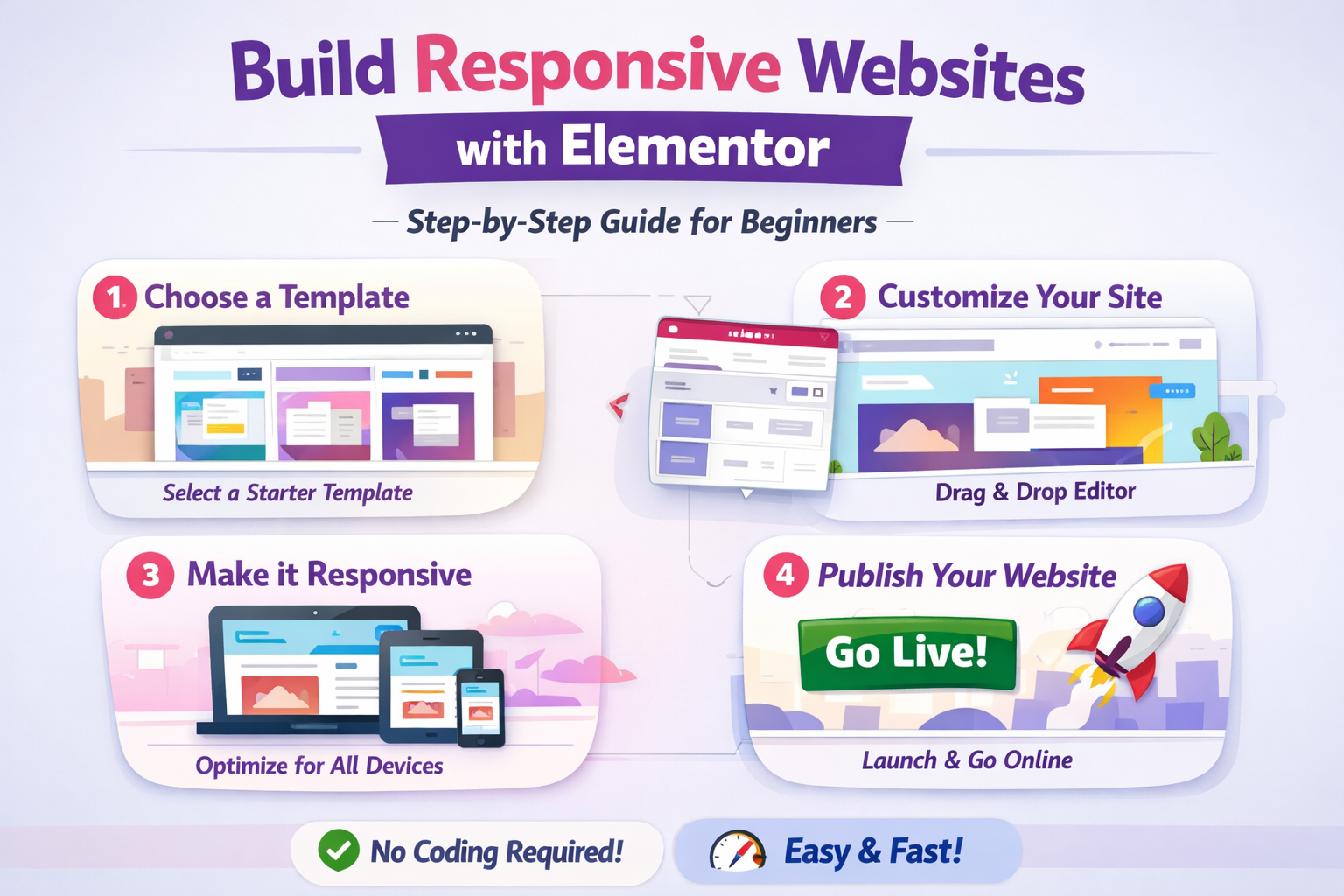
Streamlining the AI-to-WordPress Workflow
The tutorial addresses a common pain point in AI web design: using AI to speed up the design process while still keeping the flexibility and control of WordPress. By leveraging Claude Design’s prototyping capabilities alongside Elementor’s drag-and-drop interface, users can generate design concepts quickly and then customize them extensively within the familiar WordPress ecosystem.
The workflow incorporates design systems to maintain visual consistency across projects. Users can access resources like designmd.ai and getdesignmd.com to establish foundational design parameters before generating their first AI website. The tutorial covers three distinct methods for building sites with Claude: starting from scratch with prompts, using pre-made templates, or working from screenshot references of existing themes.
Converting AI Designs to Editable WordPress Sites
Once a design is generated in Claude, the tutorial demonstrates how to transfer those layouts into WordPress environments. Claude AI can take design files and convert them into Elementor-compatible JSON format that can be imported directly into WordPress. This approach eliminates the need for manual reconstruction of AI-generated designs, though users may encounter formatting errors that require troubleshooting.
For those seeking more direct integration, Elementor MCP (Model Context Protocol) connects Claude directly to the Elementor editor and generates complete page layouts through simple chat without downloading, uploading, or manual JSON handling. This represents a more advanced workflow that removes intermediate export steps entirely.
Real-World Testing and Practical Applications
Testing of Claude-Elementor workflows has revealed both capabilities and limitations. The AI successfully performed several complex tasks including plugin management, content creation with custom post types and relevant dummy data, layout building through JSON manipulation, and dynamic content integration. However, the AI needs significant guidance during early sessions and doesn’t inherently understand WordPress or Elementor best practices, requiring users to invest time in training the system through detailed prompts.
The tutorial particularly benefits web designers, freelancers, and agencies looking to accelerate their development processes. The result won’t be pixel-perfect, but users will be 70–80% of the way there, which is a massive head start compared to building from scratch. This efficiency gain allows professionals to focus more time on customization and client-specific requirements rather than foundational layout construction.
Setup Requirements and Technical Considerations
The workflow requires several components to function properly. Users need access to Claude Design, which is available through Claude’s Pro plan and browser-only interface. On the WordPress side, the free version of Elementor is sufficient for basic implementations, though unsupported features become custom HTML blocks when using the free tier.
For hosting, the tutorial recommends business-tier WordPress hosting plans that provide adequate resources for AI-assisted development workflows. The setup also benefits from staging environments where users can safely test AI-generated changes before deploying to live sites.
Optimizing Results and Future Implications
Experienced users have identified strategies for improving output quality. Detailed initial prompts that include all requirements upfront, progressive complexity starting with simple tasks before attempting complex layouts, and design system training through comprehensive skill files all contribute to better results from AI-assisted workflows.
The integration of AI with established website builders represents a significant shift in web development methodology. This workflow points toward a future where designers won’t start from scratch on every project, instead working from established design systems and knowledge bases for more efficient and consistent workflows.
Key Facts
- The tutorial demonstrates building WordPress sites using Claude Design for prototyping and Elementor for customization
- Three methods are covered: prompt-based generation, pre-made templates, and screenshot-based design replication
- Claude can convert designs to Elementor JSON format for direct import into WordPress
- Results typically achieve 70-80% completion, requiring manual refinement for final polish
- Advanced users can implement Elementor MCP for direct Claude-to-WordPress communication without manual exports
- The free version of Elementor is compatible with this workflow, though some features may render as custom HTML
Sources
- Claude Design + Elementor = Beautiful Websites for Beginners
- Claude Design to Claude Code: AI Design Handoff
- How to Use Claude Code to Build Client Websites
- Claude + Elementor: Build WordPress Sites in 15 Minutes