From Dust to Downtime: The Hidden Enemies in Your Server Room
Server rooms are rarely front of mind—until something goes wrong. But what if the real trouble isn’t just hardware failure or software issues? What if it’s something much smaller, sneakier, and easier to overlook?
Dust, heat, humidity, cable chaos—these aren’t just minor nuisances. They can quietly wear down your infrastructure, increase the risk of failure, and cause costly downtime. The surprising part? Most of it is preventable.
If you manage or oversee IT infrastructure, it’s worth taking a closer look at what might be hiding in your server room.
It’s Not Just About Tech Specs
A lot of energy goes into choosing the right servers, switches, and firewalls. But the environment where all that gear sits often doesn’t get the same attention.
Poor airflow, unfiltered air, messy cabling, or even the placement of equipment can cause unexpected issues. When you’re dealing with 24/7 operations, even a few minutes of downtime matters. That’s where comprehensive server room maintenance services come in—they go beyond just cleaning or checking temperatures. They’re about preventing problems before they spiral.
And here’s the thing: you can’t fix what you don’t notice. Many of these “hidden enemies” start small.
The Usual Suspects Lurking in the Room
Let’s break down the most common threats that quietly compromise performance or trigger outages.
Dust
Yes, regular old dust. It settles on fans, clogs filters, and chokes air vents. Over time, that restricts airflow, causing equipment to overheat. If unchecked, it can shorten the life of your hardware.
Humidity
Too high? You risk condensation, which leads to corrosion and electrical shorts. Too low? Static electricity becomes a problem. The right balance isn’t optional—it’s critical.
Heat
Servers generate a lot of it, and if your cooling setup isn’t efficient or evenly distributed, hotspots develop. This not only affects performance but raises the risk of sudden shutdowns.
Improper Cable Management
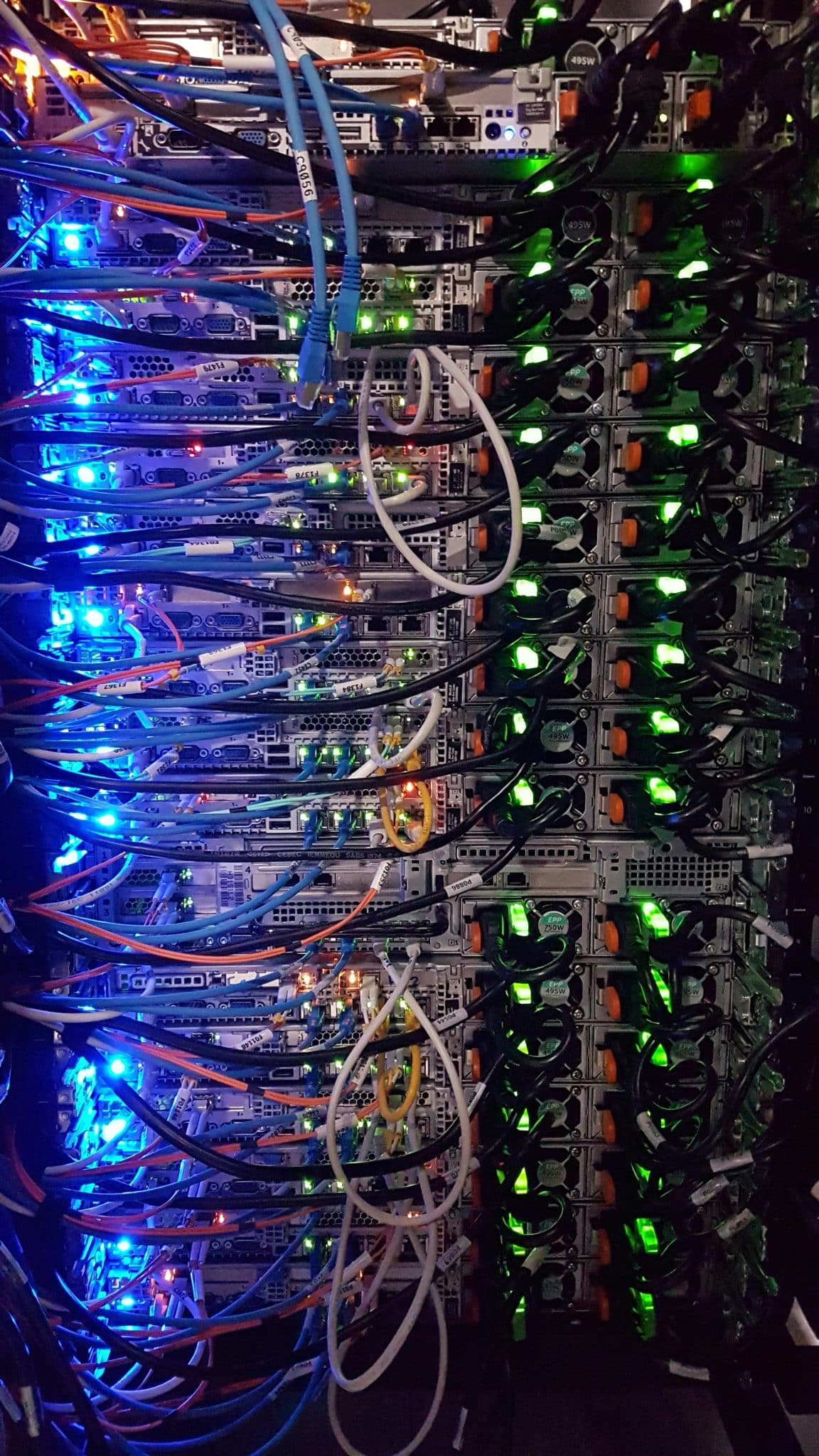
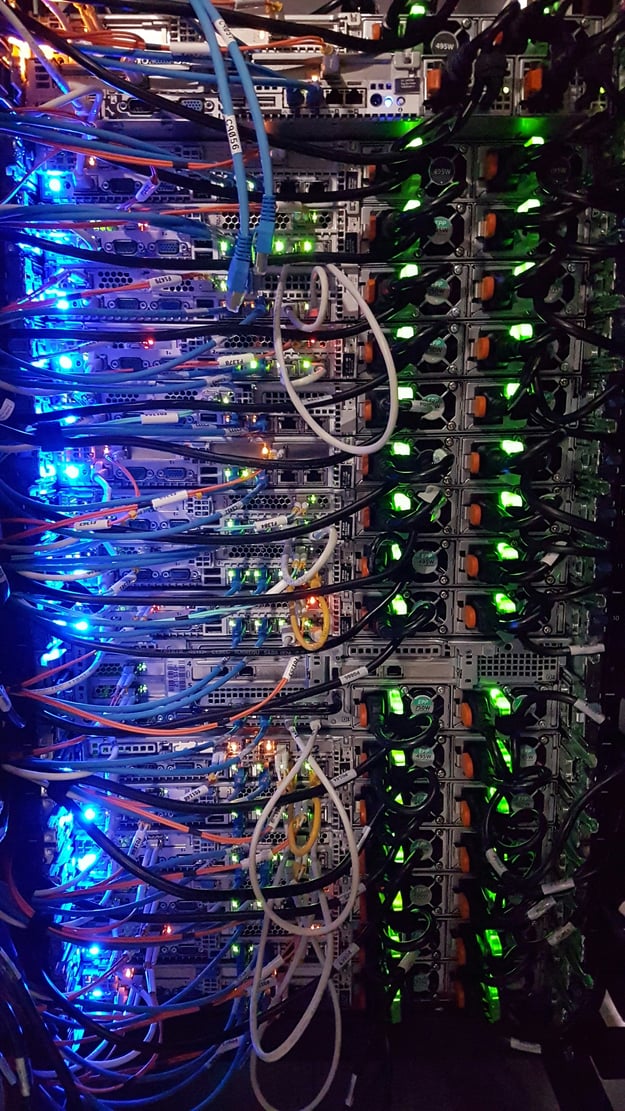
Messy cables don’t just look bad. They can block airflow, make it hard to trace issues, and slow down response times during emergencies.
Rodents and Pests
It’s not common, but it happens. If your server room isn’t properly sealed, tiny intruders can cause major damage by chewing through cables or nesting in quiet corners.
The Domino Effect of Neglect
Let’s say dust builds up in a fan. The fan slows down, cooling drops, and internal temperatures rise. That heat affects not just one server, but others nearby. The system compensates, drawing more power. Over time, this strains your backup systems too.
It’s a slow domino effect, and it often goes unnoticed—until something crashes.
That’s why relying on basic checklists or reactive fixes isn’t enough anymore. To protect uptime and performance, you need consistent, detailed upkeep.
Why Regular Checks Aren’t Always Enough
You might already have someone occasionally vacuum the room or check if the AC is running. That’s good, but it’s not always enough.
Comprehensive server room maintenance covers a lot more than that:
- Environmental Monitoring – Temperature, humidity, and airflow are tracked in real-time, not just glanced at now and then.
- Deep Cleaning – Removing dust and contaminants from equipment surfaces, under floors, and in hard-to-reach corners.
- Hardware Inspection – Catching wear-and-tear on fans, filters, cabling, and power supplies before they fail.
- Power System Testing – Checking that UPS systems, batteries, and backup power setups are all functioning as expected.
It’s proactive. It’s thorough. And it gives you peace of mind that your infrastructure isn’t quietly being eroded by the environment around it.
Not Every Issue Triggers an Alarm
A common misconception is that if something’s wrong, the system will alert you. That’s only partly true. Not all problems throw red flags immediately. A cable that’s slightly loose, a fan running a bit slower than normal, or a filter slowly clogging with dust—these can cause subtle drops in efficiency or reliability that build over time. Think of it as digital wear and tear. You might not see it day to day, but it matters in the long run.
What You Can Do Now
If you’re starting to wonder about the state of your server room, here are a few simple steps you can take this week:
- Take a fresh look at the space – Walk through it with a checklist. Look for visible dust, tangled cables, blocked vents, or any signs of moisture.
- Review your maintenance schedule – When was the last deep clean? Are you tracking humidity and temperature 24/7 or just checking once in a while?
- Consider a professional assessment – Especially if it’s been a while. Fresh eyes can catch issues you’ve overlooked.
Final Word: It’s What You Don’t See
The big problems usually don’t start big. They creep in quietly—under a tile, behind a rack, inside a fan. Dust, heat, humidity, loose cables—they’re all silent risks that add up.
Keeping your server room in top shape isn’t just about preventing outages. It’s about performance, efficiency, and extending the life of your equipment. Small changes, regular checks, and a more thorough approach can make a huge difference.