Figma adds animated shaders, third-party AI agent support
 4 min read
Figma has expanded its AI-powered generative capabilities with new features for custom plugins and shaders, alongside updates that enable third-party agent workflows through its MCP (Model Context Protocol) server integration. The platform announced updates for third-party agent workflows, allowing designers to extend Figma’s functionality beyond its native interface.
The updates, released in September 2026, build on features initially launched at Config 2026 earlier this year. At Config, Figma launched the ability to build custom generative plugins and shaders by prompting the Figma agent, and the latest release expands these capabilities significantly.
Animated and Interactive Shader Capabilities
Designers can now prompt the agent to build a custom shader effect or fill that incorporates motion and is reactive to mouse movements. This represents a significant enhancement over the static shader effects available at the initial launch, enabling more dynamic and responsive design elements directly on the canvas.
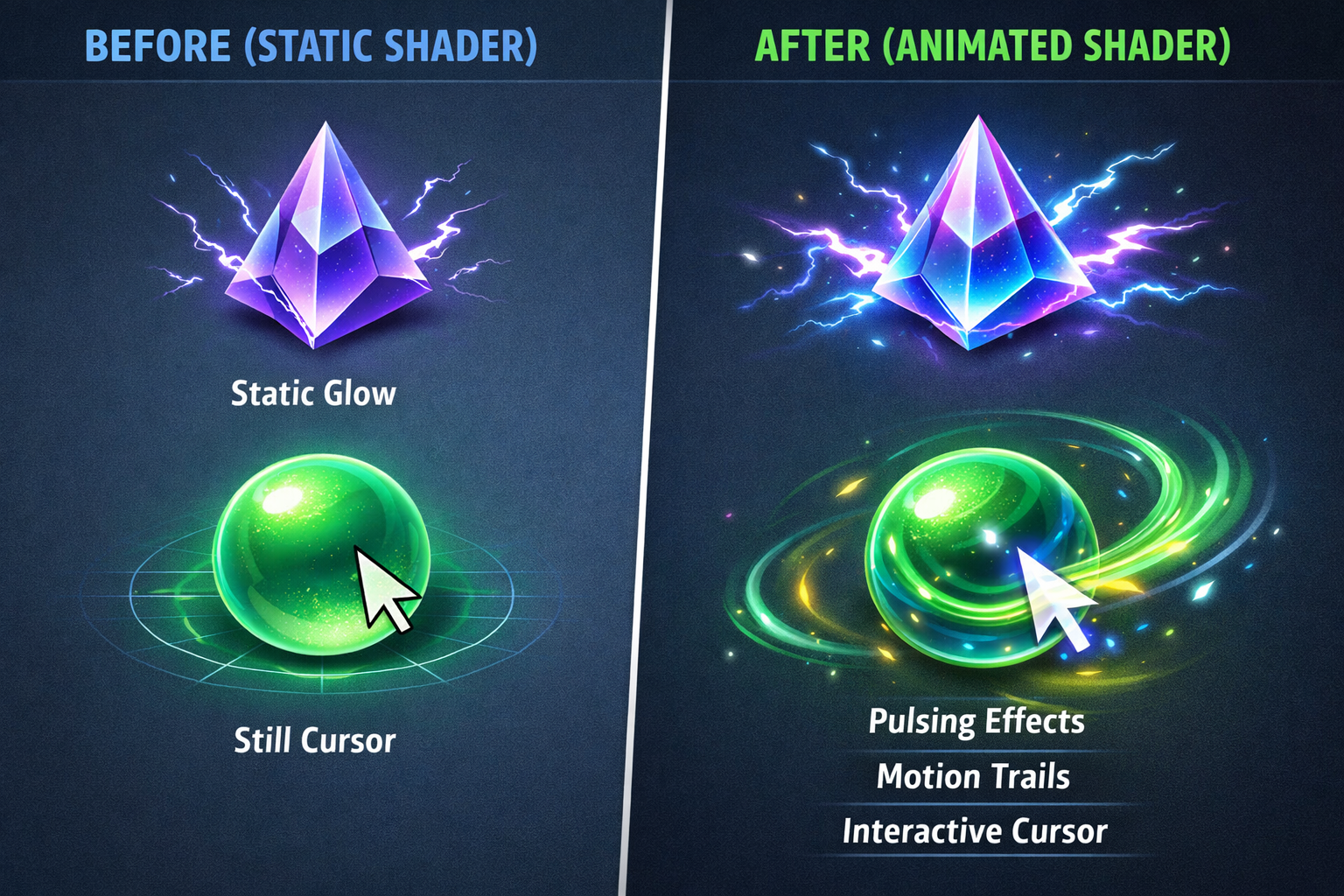
The platform supports WebGPU shaders directly on the canvas, and users can save and reuse custom effects and fills, or export via MCP to other platforms. This cross-platform capability is particularly relevant for designers working in multi-tool workflows.
Community Publishing and Code Access
Figma has opened its generative tools to broader collaboration through community features. Users can now share their generative plugins and shaders with the world by publishing them for others to use on the Figma Community. This democratizes access to custom-built tools and encourages knowledge-sharing among designers.
Additionally, users now have publishing capabilities and access to the code behind their generative plugins and shaders, providing transparency and enabling further customization.
Enhanced Agent Workflow Features
The latest updates introduce more granular control over AI-assisted design processes. Users have granular control over spacing, type, and layout, with edits stacking in the chat panel so they can review each one before applying it.
Designers can mark a spot with annotations and describe intent that’s easier to say than to click, like “make this section feel calmer,” and the agent makes the change right there. This natural language interface reduces the technical barriers to complex design adjustments.
Users can switch device frames as they edit, so designs hold up everywhere, and Edit and Annotate functions are now accessible from the updated toolbar.
Desktop App and Agent Integration
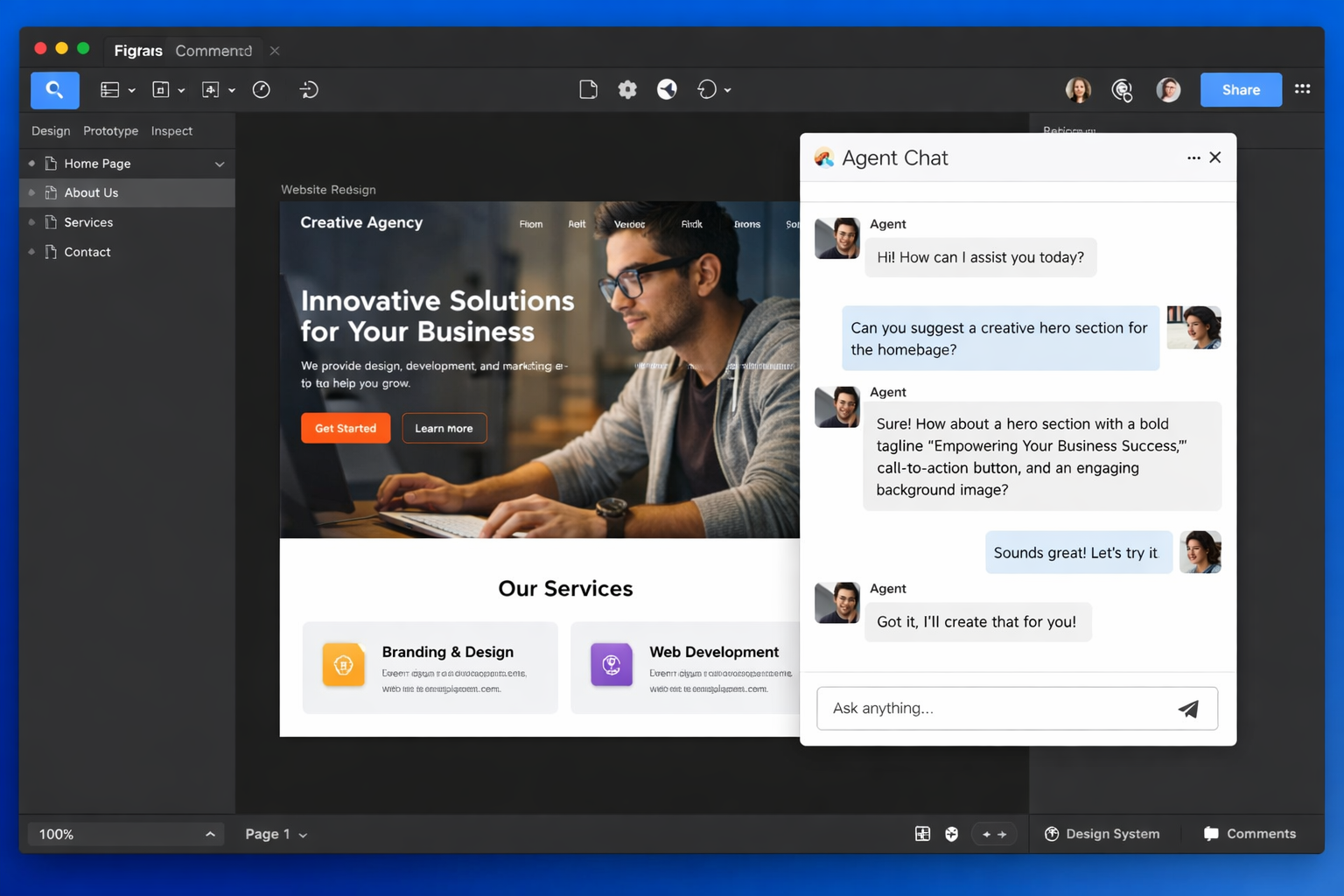
For desktop users, Figma has introduced a new windowing capability. Users can now open the agent chat panel into a new window on the Figma desktop app for both macOS and Windows, and it stays visible when working with other tools or switching tabs.
This multi-window support addresses a common workflow challenge, allowing designers to maintain continuous access to AI assistance while navigating different parts of their projects.
MCP Server and Third-Party Agent Workflows
The MCP server integration represents Figma’s move toward interoperability with external AI agents. Users can now build with Figma MCP server and Claude Code, suggesting that the platform is positioning itself within a broader ecosystem of AI-assisted design and development tools.
While specific technical details about the MCP implementation were not disclosed in the release notes, the integration appears designed to enable workflows where Figma designs can be accessed and manipulated by external AI systems, including Anthropic’s Claude.
Color Variable Enhancements
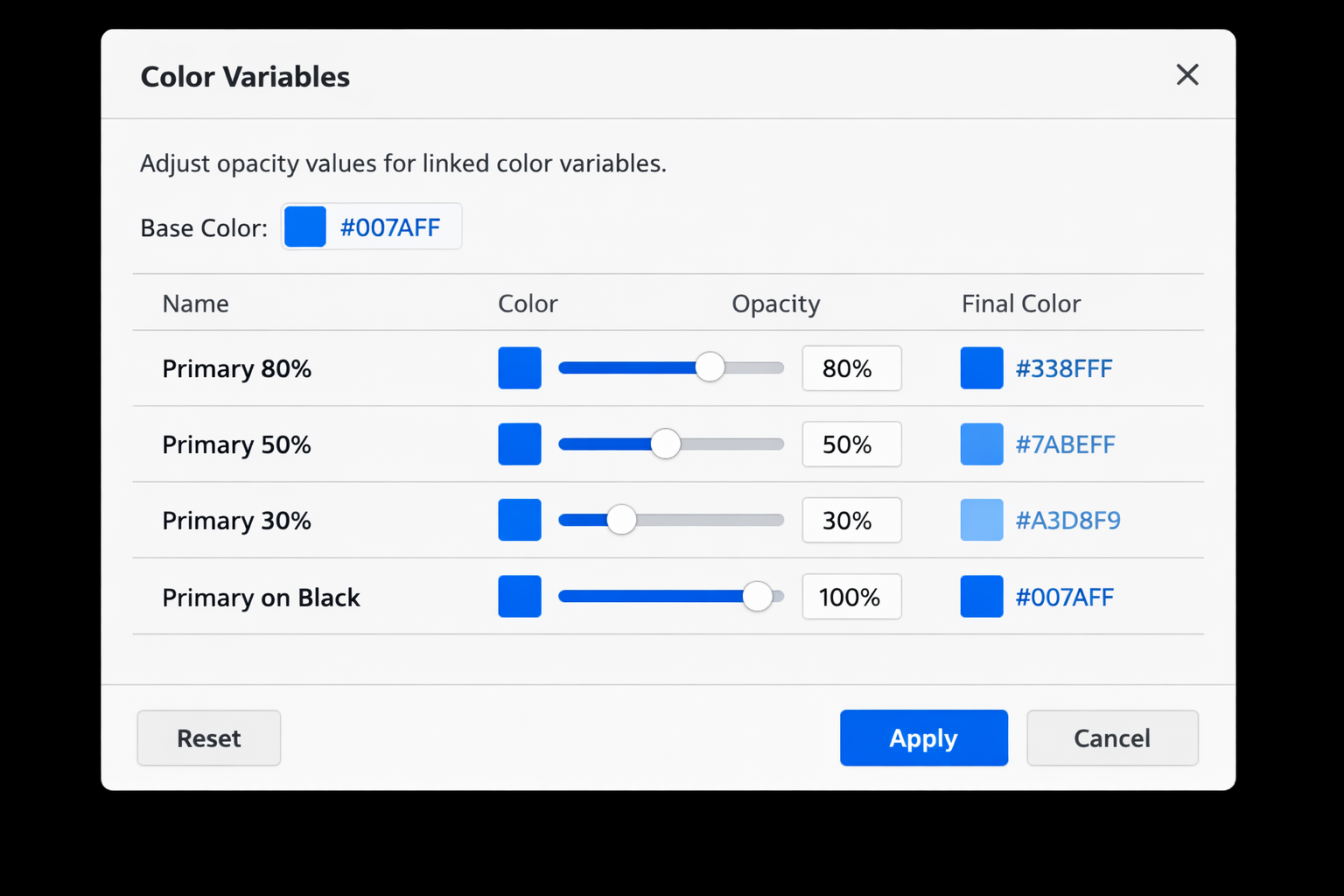
Beyond AI features, Figma has introduced practical improvements to its design systems capabilities. Opacity can be updated at scale in the variables modal and applied on top of any color without detaching.
Users can alias opacity while the color stays linked to their library, and set opacity on a color variable using a number variable, scoped specifically for use in color variables. This streamlines the process of managing opacity across disabled states, overlays, and other interface elements.
Key Facts
- Figma released updates on September 1 and September 3, 2026, expanding generative plugin and shader capabilities
- Animated and interactive shaders now support motion and mouse-reactive effects
- Custom generative plugins can be published to Figma Community for sharing
- MCP server integration enables workflows with third-party AI agents, including Claude Code
- Desktop app users can open the agent chat panel in a separate window
- Color variable opacity can now be managed at scale without detaching from libraries
Sources
- Figma product news and release notes
- Figma Release Notes – September 2026 Latest Updates – Releasebot
- Product Updates | Figma Forum
- Config 2026: New Materials, New Tools and a More Expressive Canvas | Figma Blog