Claude Chrome Extension Syncs Conversations Across Devices
 4 min read
Anthropic updated its Claude browser extension on August 12, 2026, transforming it into a full Claude Cowork session that synchronizes conversations, skills, and connectors across desktop, web, and mobile apps. The update is available immediately for Max and Team subscribers, with Pro users expected to receive access in the coming weeks. Previously, browser sessions remained separate from sessions in Claude’s other apps, leaving conversations and context behind when users switched devices.
Persistent Sessions Across All Platforms
The Claude in Chrome side panel now runs as a full Claude Cowork session, meaning conversations, skills, and connectors all carry over between the browser and Claude’s desktop, web, and mobile apps. Sessions are now saved with the user’s account rather than with any single device, using the same underlying Cowork session infrastructure as other Claude apps rather than a separate browser-only session object.
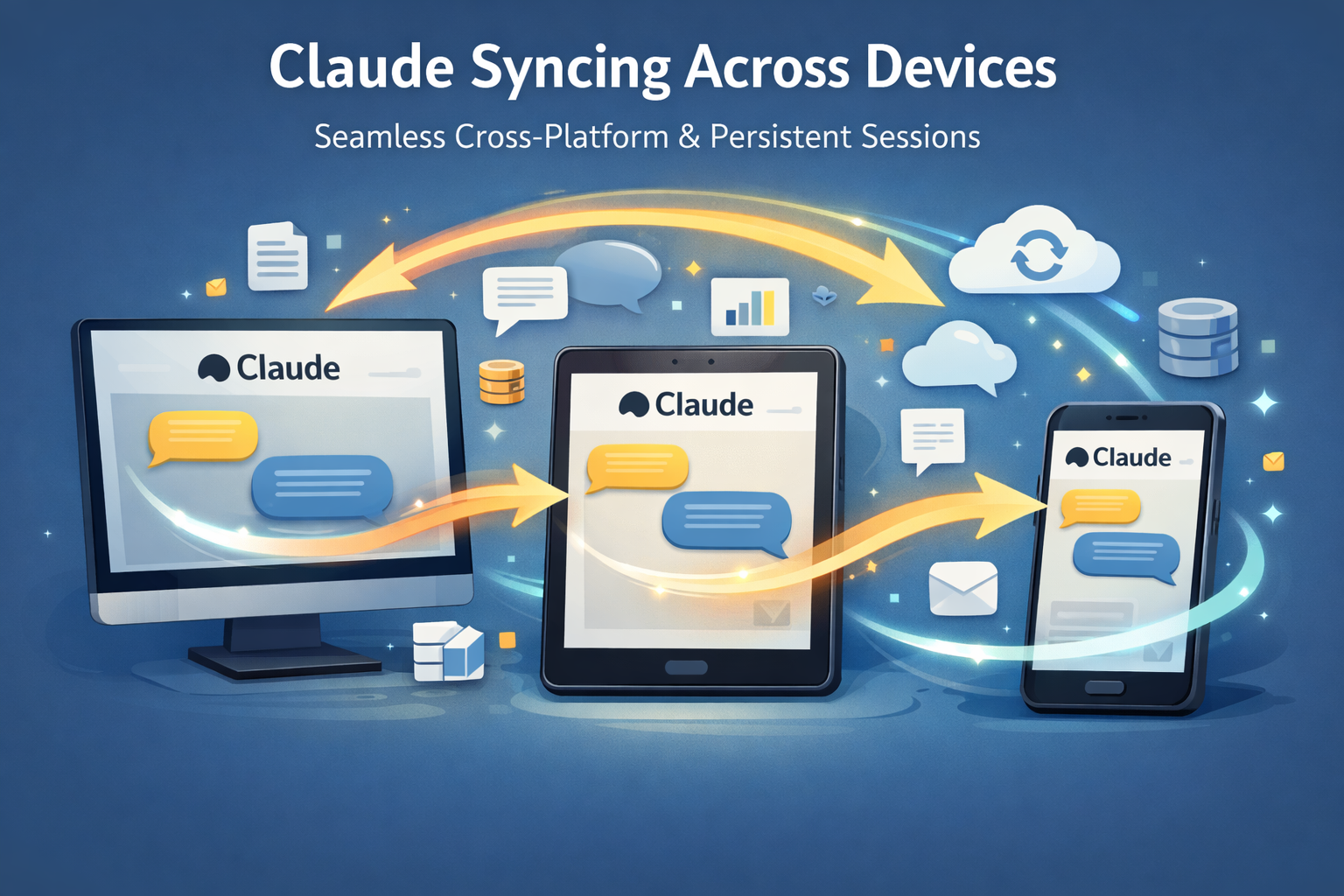
The change means conversations had in the Chrome side panel will become part of the user’s history, and their skills and connectors will automatically work in the browser, while allowing tasks to be started in a Claude app and then continued in a Chrome browser or vice versa. Before this update, browser sessions stayed completely separate from everything else, so switching devices meant starting over.
Browser Action Capabilities
Claude in Chrome can now see whatever page the user is on and take real actions inside it, including clicking links, typing text, filling out forms, and moving between pages using existing logins. This functionality is particularly useful for tools that never connect directly to Claude, like internal dashboards, legacy systems, or vendor portals.
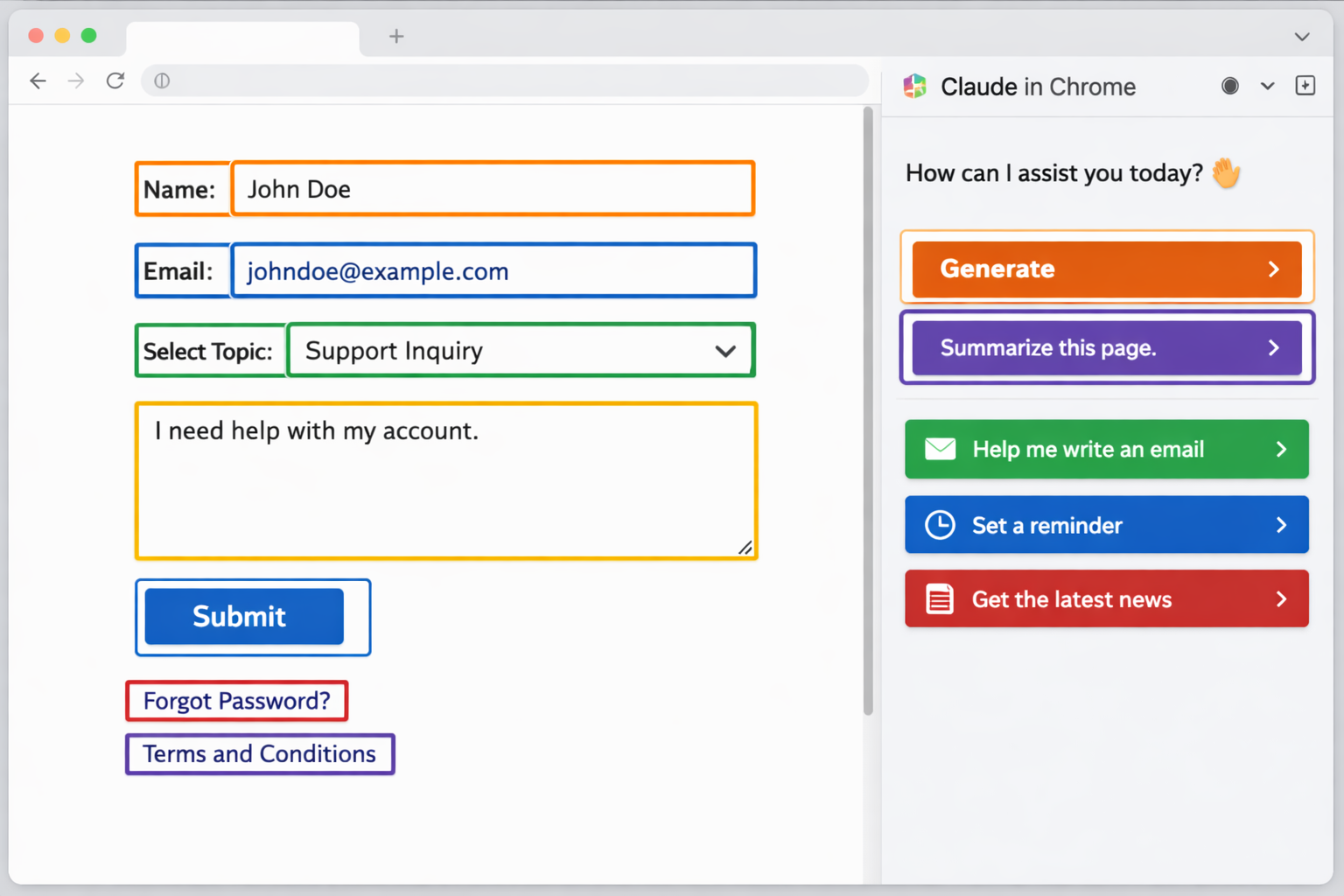
The Chrome extension works with websites where the user is already signed in, distinguishing it from other browser-based tools. Claude in Chrome is a browser extension that allows Claude to read, click, and navigate websites alongside users.
AI Content Transparency and Watermarking
Separately, Anthropic has introduced new transparency measures for content generated by Claude. According to multiple international reports, the company has begun implementing invisible watermarking technology in its latest models to comply with regulatory requirements.

The French technology publication Pasquale Pillitteri reports that Claude models launched from August 2, 2026 onward generate text with an imperceptible watermark embedded at the model level. The marking is designed to meet compliance requirements, particularly under the European Union’s AI Act, rather than as a product-level feature for end users.
ANI News confirms that Anthropic announced Claude models launched in the EU on or after August 2, 2026 will support machine-readable marking for AI-generated content from day one, tying the move to transparency requirements under the EU AI Act.
Competitive Landscape and Enterprise Adoption
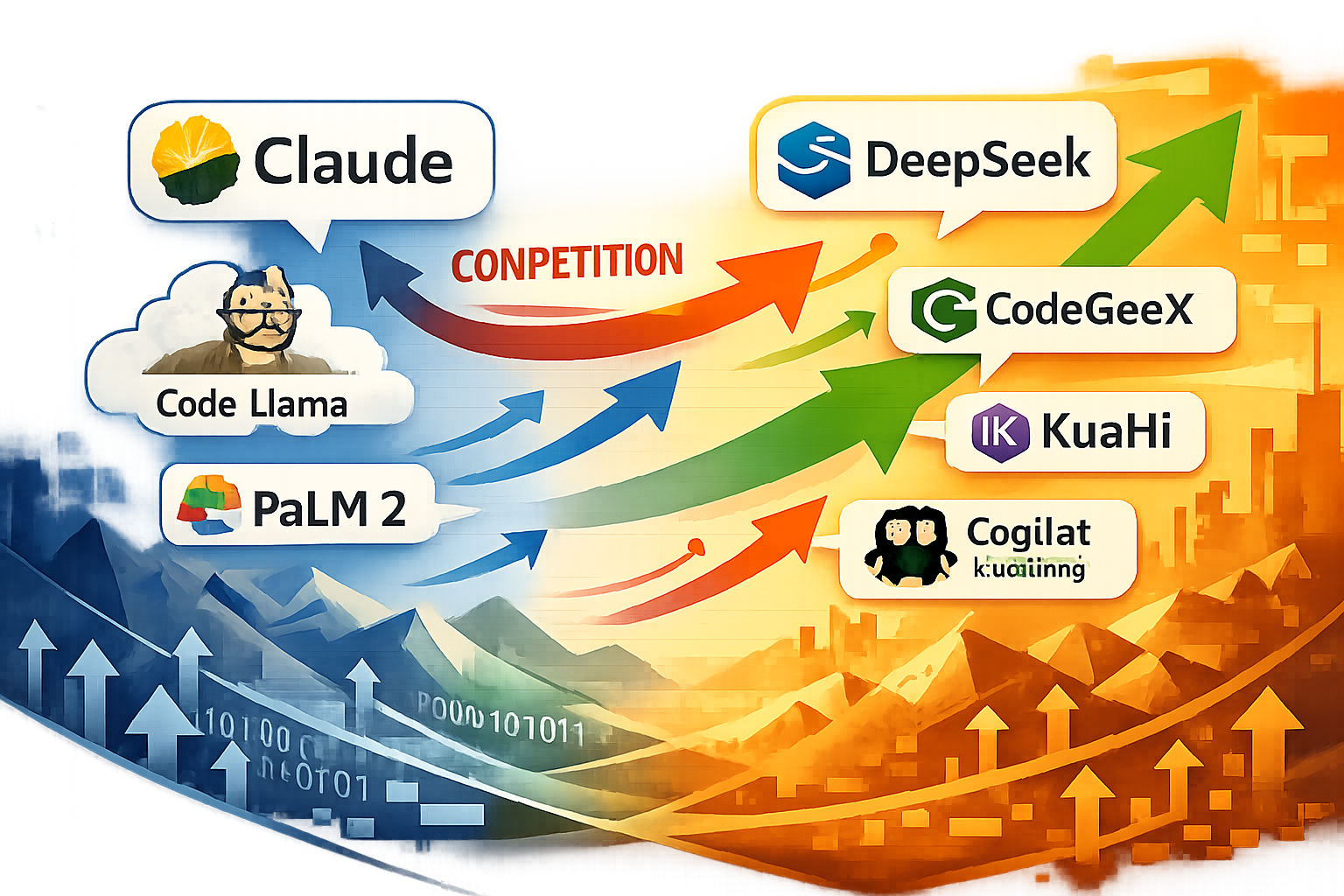
The updates come as competition in the AI coding and agent space intensifies. The Straits Times reports that DeepSeek has created an official social media presence and posted jobs for a team focused on building AI agents that can compete with Claude Code, positioning itself as a direct challenger to Anthropic’s coding product.
Meanwhile, Japanese IT publication @IT (ITmedia) covered Mercari’s company-wide rollout of Claude Code and the mechanisms the company uses to address “shadow AI” risks, highlighting enterprise adoption of Anthropic’s tools in production environments.
The Times of India notes that Claude Code’s auto mode is scheduled to become the default on August 14 for Pro, Max, and Team accounts, further expanding the automation capabilities available to subscribers.
Security Considerations
Anthropic warns that browser agents remain vulnerable to prompt injection, a security concern that has been documented by researchers. The company’s help documentation emphasizes safe usage practices for the Chrome extension, particularly when dealing with sensitive websites and data.

Claude in Chrome is available for all paid plans, including Pro, Max, Team, and Enterprise. Users can launch Claude in Chrome tasks from the side panel in their Chrome browser, or through Claude Cowork or Claude Code.
Key Facts
- Launch date: August 12, 2026 for Max and Team subscribers; Pro users to receive access in coming weeks
- Cross-platform sync: Conversations, skills, and connectors now persist across desktop, web, mobile, and Chrome extension
- Browser capabilities: Extension can click links, type text, fill forms, and navigate pages using existing user logins
- Watermarking compliance: Claude models launched in EU from August 2, 2026 include machine-readable marking for AI transparency
- Auto mode expansion: Claude Code auto mode becomes default on August 14 for Pro, Max, and Team accounts
- Availability: Chrome extension available for all paid plans (Pro, Max, Team, Enterprise)
Sources
- Ground News: Claude’s Chrome side panel is now a full cowork session
- ANI News: Anthropic to implement machine-readable marking across new AI models
- Times of India: European regulators want Anthropic to tell how and where Claude is being used
- The Straits Times: DeepSeek publicises efforts to challenge Anthropic’s Claude Code