Where Business Owners Can Learn Web Design
Discover where business owners can learn web design, what to study first, which lessons need coding, and when to hire a designer for your site.
 8 min read
Wondering where business owners can learn web design? Start with one page of your own site. Learn how layout, mobile usability and accessibility affect the action you want a visitor to take, then find a lesson for the platform you use.
If you edit your site in a builder, learn that editor first. If you want to understand the code beneath a page, start with HTML and CSS. Content and layout fixes often need no coding, while custom interactions, stubborn accessibility problems and full redesigns call for professional help.
For a quick look at accessibility in design, watch this short introduction before checking your own page:
What to learn first on your business website
Open your most important page on a phone. Can you tell what the business offers and how to buy or get in touch? Follow the path from the first screen through the form or checkout. The first obstruction you encounter gives you a place to start learning.
|
Skill |
What to notice |
First useful change |
|---|---|---|
|
Layout and hierarchy |
A crowded first screen or several equally prominent messages |
Put the main offer and next step ahead of supporting detail |
|
Mobile usability |
Text, buttons or forms that are hard to use on a narrow screen |
Simplify the section and test the tap path on a phone |
|
Accessibility |
Unclear link text, missing image descriptions or controls that are difficult to use with a keyboard |
Add meaningful labels and check the page without a mouse |
|
Conversion |
A visitor reaches the page but cannot see the next step |
Make the relevant call to action specific and easy to find |
Learn layout before decoration
Headings, spacing and visual order help visitors follow an offer. Sketch the page in blocks: the service, supporting proof and a next step. Get that order right before choosing fonts or animations.
Test mobile use and accessibility together
Use your phone to try the navigation and form with your thumb. Then move through the page with a keyboard and see whether each link makes sense out of context. These checks can reveal problems you missed in a visual preview; an automated scan alone cannot certify that the page is accessible.
“Mobile accessibility is covered in existing W3C accessibility standards/guidelines, including Web Content Accessibility Guidelines (WCAG). W3C does not have separate guidelines for mobile accessibility.” – W3C Web Accessibility Initiative
Connect design changes to a customer action
Decide what you want a visitor to do on the page: request a quote, book a call or start an order. Note how the page and form work before editing so you can compare after publishing. A contact page and a product page may have different jobs, and each needs a clear path to its intended action.
Where business owners can learn web design
Choose a lesson for the skill you need now. The times below suggest how long to spend on a first session; they are not course lengths or promises of proficiency.
|
Resource |
Best starting point |
Suggested first session |
Coding required to begin? |
What to make afterward |
|---|---|---|---|---|
|
Your website builder’s lessons and help center |
Editing the site you already run |
30–60 minutes |
No, for basic editor changes |
Revise one section and preview it on mobile |
|
Webflow University |
Visual layout and responsive editing in Webflow |
45–90 minutes |
No, for the visual lessons |
Build a draft section and inspect different screen sizes |
|
Understanding HTML, CSS and page structure |
60–90 minutes |
Yes, for hands-on exercises |
Recreate a simple content section in a practice file |
|
|
web.dev learning materials |
Responsive design and usable web experiences |
45–90 minutes |
Helpful for implementing code examples |
Make a mobile-check checklist for one page |
|
Accessible content, images and page structure |
30–60 minutes |
Not for reading; some examples use code |
Improve the labels and descriptions on a page |
For a hosted builder, use its editor documentation so you can follow along on your own site. In WordPress, find out whether the page uses the block editor or a separate builder before choosing a tutorial. The wrong lesson can turn a straightforward edit into a hunt through unfamiliar controls.
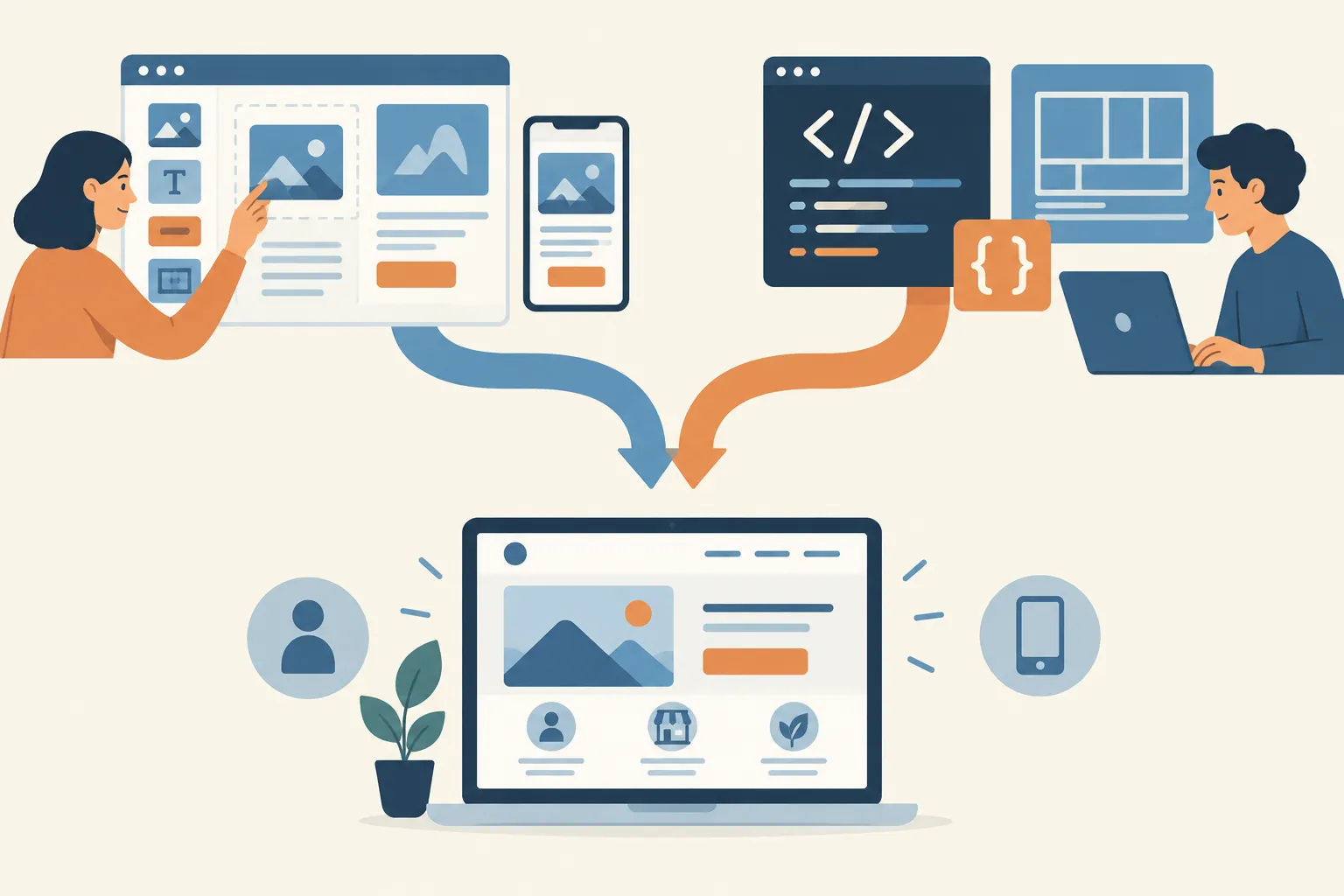
If your site runs on Webflow, its University lessons let you learn in the editor you use. MDN’s curriculum teaches the HTML and CSS basics needed to design websites with code. For questions about mobile use or accessibility that apply across platforms, turn to web.dev and W3C materials. Pick a relevant lesson and try it on a draft.
Pick a learning path for the change you need
-
Need clearer copy or a better call to action? Learn your editor’s section, heading and button controls. Rewrite one page before exploring advanced design tools.
-
Need a layout that works on phones? Learn the basics of a responsive website, then inspect the same page at narrow and wide widths. Use a draft or preview first.
-
Need to fix confusing forms or navigation? Learn accessible names, keyboard use and error messages. If a component’s behavior is built into a theme or plugin, a specialist may need to change it.
-
Want to hand work to a developer confidently? Study basic HTML and CSS through MDN. Understanding the terms makes it easier to describe the problem, even if you never edit production code.
The small-business digital marketing primer on MikeGingerich.com helps you decide what the site needs to achieve. Use your platform’s documentation for the editing steps.
A small project to practise on your own site
Work on an existing service or contact page first. You can assess the result more easily than you can assess a homepage that serves several audiences.
-
Name the job. Write one sentence describing the visitor and the action they should be able to take.
-
Save the current state. Keep a copy of the text and a screenshot, and use your platform’s draft or revision option if available.
-
Make one focused edit. For example, replace a vague heading with the service offered and a button that says what happens next.
-
Check the full path. View the page on a phone, follow links, use the keyboard and submit a test form if you can do so safely.
-
Compare the result. Look for fewer obstacles to the intended action. If you track inquiries or purchases, compare like periods and avoid attributing every change to one edit.
If the page breaks or the new version is less clear, restore the saved version. A small reversible project teaches more about your actual site than watching hours of unrelated tutorials.
When to do it yourself and when to hire a designer
DIY changes work best when the platform provides an editor, the change is reversible and you can test the entire visitor path. Updating headings, simplifying a page and improving descriptions are reasonable owner-led projects. Professional web designers are the better choice when a change touches templates across the site, checkout behavior, integrations or interaction patterns you cannot reliably test.
|
Situation |
Reasonable owner-led next step |
When to bring in help |
|---|---|---|
|
Unclear service page |
Reorder sections and rewrite the main offer |
The site needs a new information architecture across many services |
|
Mobile layout problem |
Adjust an editable section and preview at phone width |
The theme or custom code causes the problem on multiple pages |
|
Accessibility concern |
Improve link text, alternative text and form wording you control |
Keyboard traps, dynamic controls or systemic barriers remain |
|
Poor inquiry flow |
Simplify the call to action and test form submission |
Forms, customer records and third-party systems fail to work together |
Send a designer the page URL and a screenshot. Describe what the visitor is trying to do, where the path fails and what you have tried. Ask for separate estimates for diagnosis, design, implementation and testing, and settle who will handle future edits. That gives you more to compare than a request to “make the website look modern.”
Learning web design is worth the effort when it helps you spot and fix the small obstacles customers face. Start with one page and one skill, use the documentation closest to your platform, and hire a specialist for changes you cannot safely implement or test. For the business decisions behind the page, try MikeGingerich.com’s small-business resources organized by problem and its practical coverage of marketing, technology and growth.
FAQ
How does web design help businesses?
Good web design helps visitors understand an offer and complete a useful action, such as contacting the business or making a purchase. Clear layout, mobile usability and accessible controls remove obstacles along that path.
How do I find a web designer?
Start with a brief that names the page, the visitor’s task, the problem and the platform. Ask candidates how they would handle implementation, mobile and accessibility checks, and future edits; compare their proposed scope rather than visuals alone.
How much should I pay a web designer?
The appropriate fee depends on whether you need a single-page fix, a broader redesign or custom implementation and testing. Define the deliverables and ask for itemized proposals so you can compare the same work instead of relying on an arbitrary price.