
CRM Software for Small Business: How to Choose
Choose CRM software for your small business with a practical comparison of free plans, setup effort, follow-up workflows, and the cost of adding users.
 10 min read
CRM software becomes useful when customer details, open quotes, and promised follow-ups get lost in a shared spreadsheet. A small team needs a dependable place to see who owns the next action, when it is due, and what happened last.
Think of the last callback that slipped or the lead two people contacted. Choose a tool that prevents that problem and remains affordable when another person joins.

Do you need a CRM yet?
CRM stands for customer relationship management. CRM software keeps contact and company records alongside interactions, opportunities, and follow-up tasks. A spreadsheet can hold names and dates; connecting a conversation to a deal owner and the next task takes more manual work.
Stay with a spreadsheet if you handle a manageable number of customers yourself and your follow-up process works. Keep columns for contact, last interaction, next action, owner, and due date. A CRM will still depend on someone keeping those details current.
Move to a CRM system for your small business when two people need the same customer history, someone must pick up another person’s leads, or you struggle to answer, “Which quotes need a call today?” You gain a clear owner and next step for each open opportunity.
“55% of SMB leaders said responding to inquiries quickly is challenging.” – Salesforce, Small & Medium Business Trends, 6th Edition
The finding comes from a Salesforce survey of 3,350 SMB leaders across 26 countries. An assigned task and visible due date make a late response easier to spot, though someone still has to make the call.
Choose by the work you need to track
Choose a CRM platform for your small business around the work people repeat each day. Use the table to narrow the field before opening an account.
|
Your situation |
Start with |
What to test during a trial |
Likely sticking point |
|---|---|---|---|
|
Solo operator with occasional leads |
Spreadsheet or HubSpot free tools |
Can you capture a contact and set the next task in under a minute? |
A full CRM may take more upkeep than the work justifies. |
|
Local service business with inquiries, estimates, and callbacks |
Zoho CRM or HubSpot |
Can you separate new inquiries, scheduled visits, sent estimates, and won jobs without losing callback dates? |
A sales CRM is not automatically a scheduling, dispatch, or invoicing system. |
|
Growing sales team with multiple active opportunities |
Pipedrive, Zoho CRM, or HubSpot |
Can each person see their assigned deals and overdue actions at a glance? |
Paid seats and automation needs can change the total cost quickly. |
A service business should map its real journey, such as inquiry → estimate → appointment → completed job. If the daily bottleneck is dispatch rather than selling, a field-service tool may fit better than a general-purpose CRM.
Compare CRM software by setup effort
Count the decisions needed before your team can record its first follow-up: stages, owners, fields, and permissions. If staff work between jobs from a phone, have them try the task there. A desktop demo will not reveal whether they can use the system on the job.
|
Option |
First setup job |
Follow-up pattern it suits |
Free-plan boundary to consider |
Additional-user question |
|---|---|---|---|---|
|
HubSpot |
Import clean contacts and agree on one pipeline |
Shared contact history and tasks before advanced workflows |
Free tools are available; advanced tools may require a paid product |
Which jobs need a paid seat rather than free access? |
|
Zoho CRM |
Choose fields, owner rules, and stages |
A small team with distinct lead types and a defined process |
Free edition supports up to three users |
What will the full team pay when it outgrows three free users? |
|
Pipedrive |
Build deal stages and activity types |
Salespeople who work through active deals each day |
Plan for a paid subscription after trial |
What is the bill for every salesperson who manages deals? |
An easier workflow may save staff time even when the subscription costs more. A free account loses its value when staff stop updating it.
Three realistic CRM options for small businesses
Each of these tools can organize leads and follow-up. The work involved in setting them up differs.
HubSpot: a gentle starting point for shared contacts
HubSpot works as a first stop when customer history sits in individual inboxes. Its free CRM tools let a team begin without buying paid seats for everyone. Import a few contacts, name the pipeline stages, and assign the next task before considering marketing or sales workflows.
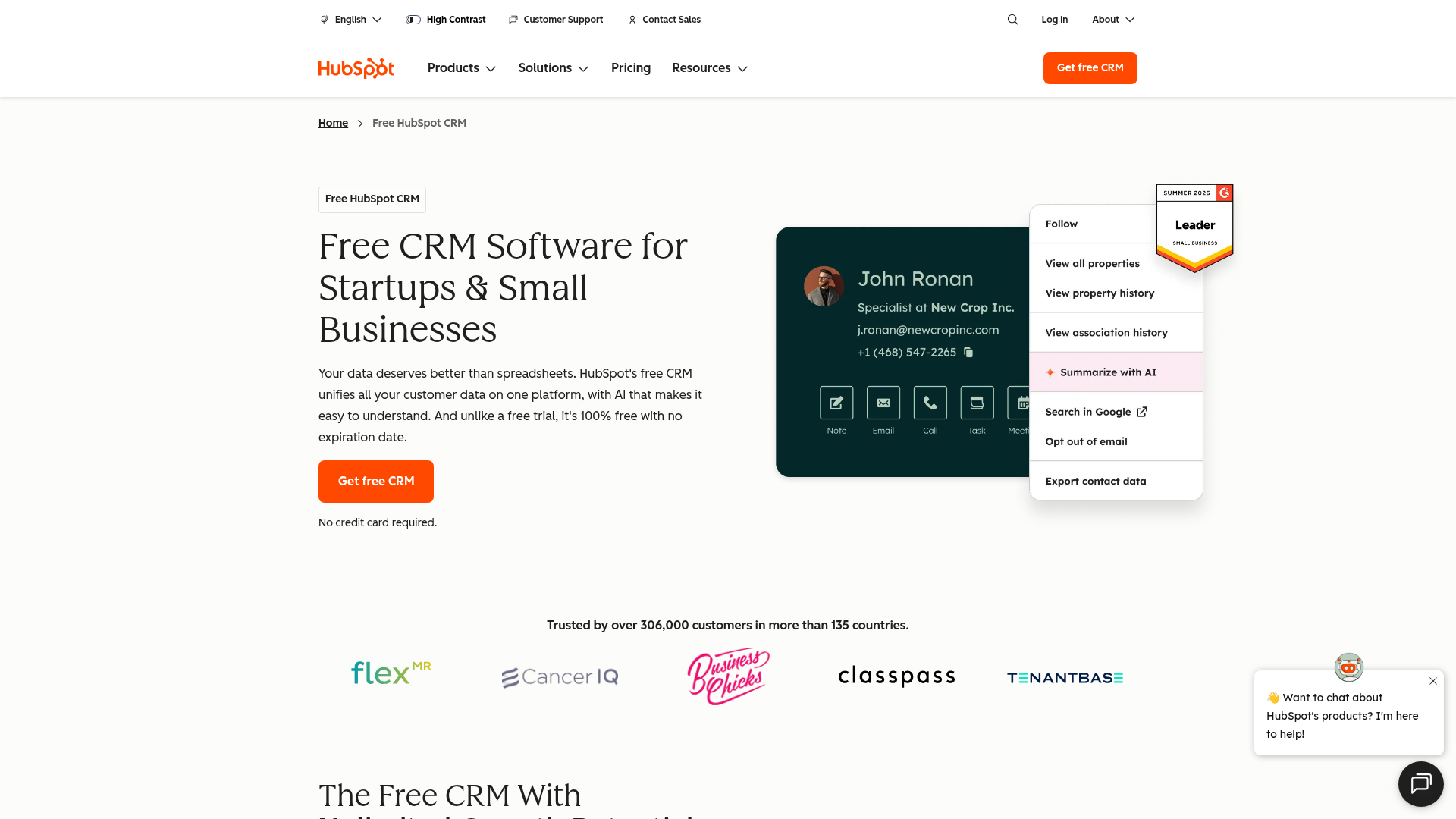
Some features the team may want later sit in paid products or higher tiers. Before rolling HubSpot out across the business, price the tools and user access your planned workflow requires.
Zoho CRM: more room for a small team to structure its process
Zoho CRM suits a small team that wants different fields and stages for different lead types. Its free edition supports up to three users. Ask the person who will maintain the setup to explain the stages to a colleague; if that takes a long training session, simplify them.
Flexibility can become setup work. Agree on one owner per lead and a short set of deal stages before adding custom fields or automation. When the team grows beyond the free edition, calculate the paid plan for every user who needs access.
Pipedrive: for teams that live in a deal pipeline
Pipedrive centers the day’s work on active deals and the next sales action. A team that moves opportunities through repeatable stages can trial it with one real deal: move it forward, assign the next action, and find that action the next morning.
It is less attractive if your primary need is a free long-term CRM: plan for a paid subscription. Its Lite plan includes pipeline views and customizable activities. Also keep service scheduling and post-sale operations separate from the sales pipeline unless your workflow genuinely calls for them there.
What does a free CRM plan actually cover?
The free tier lets you start without a subscription, within its limits. Zoho CRM caps its free edition at three users; HubSpot offers free CRM tools and charges for more advanced capabilities. Pipedrive calls for a paid budget after the trial.
Describe the job: “When a new estimate is sent, the owner can see a reminder to call in two days.” A person can set that reminder by hand in a free tier. If your team sends many estimates and those reminders go missing, test automation on the tier you intend to buy.
Free tools also have an administrative cost. Someone must decide which records belong in the system, keep stages meaningful, and resolve duplicates. Assign that responsibility explicitly, even if the CRM costs nothing.
Budget for the second and third user
To understand CRM software cost for a small business, price the monthly cost of the workflow your team needs. Include the owner, anyone who follows up, and the person who needs to report on work. On a per-seat plan, three paid users cost three times the per-seat price before add-ons. Annual billing can lower the monthly equivalent while increasing the cash you commit upfront.
Suppose a suitable paid tier costs $20 per user per month. One user costs $20 monthly; three cost $60 monthly or $720 for 12 months, before taxes or extras. This is an arithmetic example, not a quoted price for any of these products. Apply the same calculation to the tier that passes your trial and include the next two hires.
|
Cost question |
Why it matters |
|---|---|
|
How many people need their own login? |
Sharing logins obscures ownership and activity history. |
|
Which tasks require a paid tier? |
A free plan can cover contact tracking but not the particular automation or reporting you expect. |
|
Is the price per user, per month, or per account? |
One additional hire changes a per-seat bill. |
|
What does migration require? |
Cleanup, duplicate removal, and staff training take time even if the subscription is free. |
|
What happens if you leave? |
Exporting your contacts and deals should be part of the buying decision. |
Write down the must-have workflow and use the Zoho CRM pricing calculator or the vendor’s equivalent to price that combination. Free-plan limits and package names can change; do not build the budget from a comparison chart alone.
Compare tiers that can do the same work. List what the team must do now beside what it may need after hiring. Pay for the first list, then examine the upgrade path for the second.
Move from a spreadsheet without losing context
Export a copy of the existing sheet before changing anything. Pick one column as the contact identifier, split combined names or notes only when they cause an actual import problem, and decide how you will handle two rows for the same person. A clean, small pilot is safer than importing every old address book entry on day one.
Take ten recent inquiries, including a won job, a lost job, and an unanswered estimate. For each, preserve the last meaningful interaction, its owner, and the next action. If your chosen system can store contacts but the team cannot tell what happened on an open quote, the import did not solve the problem.
Set a rule for new work: the person who speaks to the customer records the result and the next step before moving on. Without that habit, the CRM is a cloud-based copy of the old spreadsheet, missing the same context. Once the pilot works, import the remaining useful records in batches and spot-check a few at each stage.
Make the choice in a week
Give each candidate the same task rather than clicking through every menu:
-
Choose a handful of recent inquiries and remove duplicates before import. Keep private data out of demo accounts unless your team has approved the trial.
-
Create only the stages you use. A local business might use new inquiry, qualified, estimate sent, won, and lost. Name the owner and next action for each open record.
-
Ask a colleague to find an overdue callback, read the last conversation, and take over the lead without asking the original owner for context.
-
Compare the free tier, the first paid tier that covers your must-haves, and the cost after adding two users.
-
Choose the system people will update. If the trial takes more effort than the current process and does not prevent a missed handoff, simplify the workflow or keep the spreadsheet for now.
For business owners balancing sales follow-up with marketing and day-to-day operations, MikeGingerich.com offers practical business and digital marketing reading alongside technology coverage. Use its advice on inbound lead generation as you refine the process around your CRM, rather than treating the subscription itself as the strategy.
The verdict
Start with the handoff you want to fix. A spreadsheet can serve a solo operator with dependable follow-up. HubSpot is a reasonable first look for shared contact tracking, Zoho CRM for a small team ready to configure its process, and Pipedrive for a team whose work revolves around deals. Run a real handoff test and calculate the three-user cost before deciding. For guidance on the marketing and operations around that choice, explore MikeGingerich.com’s small-business growth advice.
FAQ
What does CRM stand for and what does it do?
CRM stands for customer relationship management. CRM software puts customer records, interactions, opportunities, and next actions in one place so a team can follow up consistently.
What are the top 3 CRM systems?
There is no top three that fits every small business. HubSpot is a sensible starting point for shared contact tracking, Zoho CRM suits teams that want to shape a process, and Pipedrive focuses on managing active sales deals. Try the same handoff task in each before choosing.
