Feature-by-Feature AI Video Generator Comparison Chart for Practical Marketers
Dec 11, 2025
How we picked and grouped the contenders
In August 2025, we scanned two major round-ups — TechRadar’s review of 70+ AI tools and Zapier’s list of 15 dedicated video generators — and then signed up for 33 platforms ourselves. We also considered previous coverage of the best AI video generators. Only seven met three clear, non-negotiable criteria:- Self-serve access with published pricing
- Commercial usage rights on paid tier
- Proof they already power live marketing campaigns
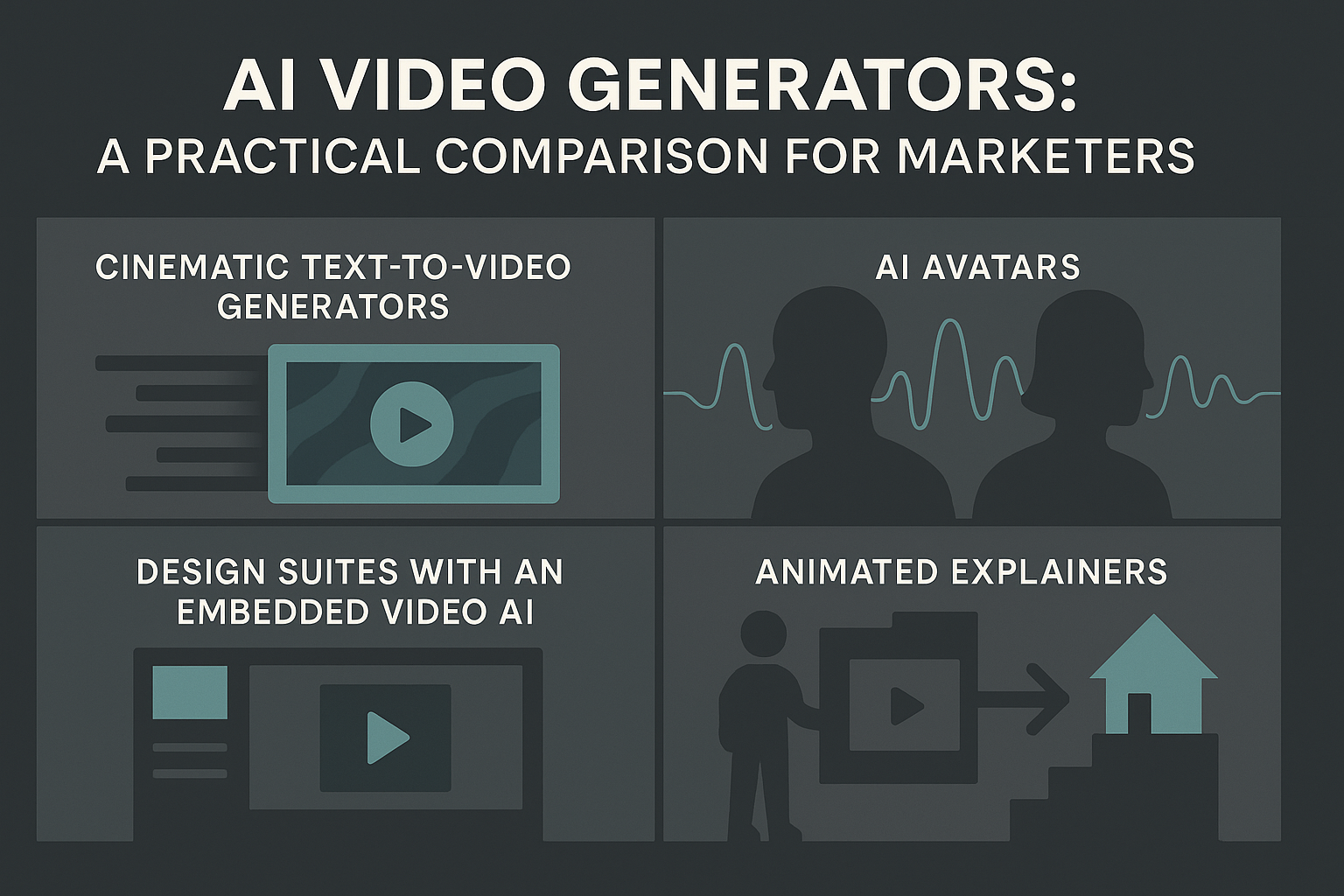
- Cinematic text-to-video generators
- AI avatars and talking heads
- Design suites with an embedded video AI
- Animated explainers or workflow add-ons
Segment A: cinematic text-to-video generators
Leonardo ai

Runway Gen-4

Pika Labs 2.5

Segment B: AI avatar generators
Need a presenter on screen without booking a studio? Avatar tools turn a written script into a talking-head video within minutes. Below are the four market leaders, with specs verified in August 2025.Synthesia
HeyGen

- Free: three 3-minute videos each month at 720 p and 500 plus stock avatars (heygen.com)
- Creator: $29 per month, unlimited videos up to 30 minutes, 1080 p export, 700 plus avatars, one custom interactive avatar, and 175 plus languages
- Team: $39 per seat per month, unlimited videos, 4 K export, two custom interactive avatars
Canva Magic Video
Magic Video lives inside the familiar Canva editor and is powered by Google’s Veo 3 model. Pro, Teams, and Enterprise users receive five 8-second clips per month at 720 p; extra clips cost two design credits each (canva.com). Because the generator sits beside brand fonts and styles, social teasers or email headers take two clicks. Switch to a dedicated platform if you need longer than eight seconds or frame-level control.Vyond Go

- Starter: $99 per month with 10 000 credits; each Go generation costs 400 credits and can run up to five minutes at 1080 p (vyond.com)
- Professional: $199 per month, adds team collaboration, 4 K export, and 20 000 credits
Opus Clip and Munch
Both tools recycle long videos into short, captioned clips, but they pick moments differently. Opus Clip hunts for quotable sound bites. The free tier gives you 60 processing minutes each month at 720 p. Starter, at $15 per month, bumps that to 150 minutes and removes the watermark. Pro, at $29 per month, unlocks 300 minutes, team workspaces, and 100 GB of cloud storage (help.opus.pro, opus.pro). Each minute of upload returns 2–4 clips in vertical (9:16), square, or landscape ratios. Munch layers keyword and trend analysis on top of speech cues, scoring segments by how well they match TikTok and YouTube Shorts topics. The Creator plan starts at $49 per month for 200 credits, and one credit equals one minute of source video. A free trial lets you process 15 minutes before committing (data from Munch onboarding screen, August 2025). Pick Opus when you need fast, subtitle-ready snippets. Choose Munch when you want the platform to rank moments by viral potential before you post.Emerging trends to watch
Rapid research and product updates mean today’s “wow” features could feel routine by next year. We’re already seeing three shifts worth bookmarking, based on public betas reviewed in August 2025.- Longer clips with scene consistency. Google DeepMind’s Veo 3.1 now renders 30-second 1080 p sequences while holding characters and lighting steady. Adobe’s Firefly Video Model is set to add 4 K “Generative Extend” inside Premiere Pro later in 2025. OpenAI has previewed internal tests of storyboards that exceed 60 seconds, though no launch date is confirmed.
- Chat-level interactivity. HeyGen’s July 2025 update lets viewers ask a natural-language question and watch the avatar answer on the fly (Creator+ tier). Adobe’s Text-to-Avatar beta adds scripted Q&A branches to Firefly’s web app.
- Native buttons in legacy apps. Firefly’s Generate Video beta now sits one click away inside Premiere Pro and After Effects 25.2. Microsoft is testing “Presenter AI,” a PowerPoint Live feature that drops a talking avatar onto slides (private preview, Build 2025). Expect more established software suites to add AI video as a standard toolbar option, which means teams may adopt it without a formal AI project.
Your practical checklist before you subscribe
Use this six-point list to sanity-check any platform before you pull out the company card (figures verified August 2025).- Define the single job. Write one sentence: “This video must ___.” If a tool cannot deliver that outcome—for example, a scroll-stopping hook, a three-minute walkthrough, or multilingual onboarding—remove it from consideration.
- Estimate volume and cost.
- Add the finished minutes you need this quarter.
- Multiply by the platform’s per-minute rate (Runway Turbo about $0.25 per minute, Synthesia Starter about $2.90 per minute) instead of the headline subscription fee.
- Add 20 percent for retakes and extra language versions.
- Match resolution to the screen. A 4 K trade-show wall needs a generator that exports at 4 K. TikTok clips can live with 720 p and save roughly 40 percent of your credits.
- Check clip-length caps. If the maximum is ten seconds, plan to stitch six clips for a sixty-second explainer, and budget credits plus editing time accordingly.
- Audit aspect-ratio presets. Confirm the platform exports vertical (9:16), square (1:1), and landscape (16:9) if you repurpose across feeds.
- Gauge the learning curve. Runway Gen-4 tutorials take about 25 minutes, while Canva Magic Video needs almost none. Pick the tool that fits the hours you—or an intern—can spend iterating.
Conclusion
AI video generators now cover nearly every marketing workload—cinematic B-roll, avatar presenters, micro-videos inside design tools, and full animated explainers. The trick isn’t learning every feature; it’s matching each platform to the one outcome your campaign needs. If you want scroll-stopping visuals for ads, the cinematic models are your best bet. If you need clarity and consistency across languages, avatar tools win every time. For day-to-day creative ops—brand updates, social headers, email loops—embedded generators like Canva or Vyond Go will deliver speed without a learning curve. Run your volume and credit math, test resolution and clip-length constraints early, and track release notes closely. The tools that iterate fastest tend to deliver the most real-world value. With a clear job statement, a realistic cost forecast, and a shortlist shaped by actual marketing needs, you can deploy AI video with far less guesswork—and ship more polished content, faster.Frequently Asked Questions (FAQ)
1. Which AI video generator is the best overall?
There is no universal “best”—only the best fit for your use case.- Best for cinematic clips: Runway Gen-4, Leonardo Motion 2.0
- Best for presenters and explainers: Synthesia, HeyGen
- Best for quick social content: Canva Magic Video, Pika Labs
- Best for animated training: Vyond Go
2. How do I estimate the true cost beyond the subscription price?
Calculate the per-minute creation cost using credits or video-minute caps. Add:- Finished minutes needed this quarter
- Retakes (20% buffer)
- Additional language versions
- Any upscaling or 4K export fees This reveals the “real” cost more accurately than the headline subscription.
3. Can I use AI-generated video footage in paid ads?
Most platforms grant commercial rights on paid tiers, but always verify:- Whether stock assets inside the editor are cleared for ads
- If avatars require consent or licensing
- Whether model outputs can be used in broadcast or OTT placements
4. Which tools are best for long-form videos (60–180 seconds)?
Use platforms with multi-scene timelines:- Synthesia (avatar-led explainers)
- HeyGen (30-minute cap + interactive branching)
- Vyond Go (auto-built scripts + full Studio editor)
5. What if I need 4K resolution?
Only a few tools consistently support 4K exports:- HeyGen Team
- Vyond Go Professional (4K export)
- Runway offers 4K upscaling, though base generation may be lower-res