Anthropic revamps Claude Code with Multi-Session Desktop

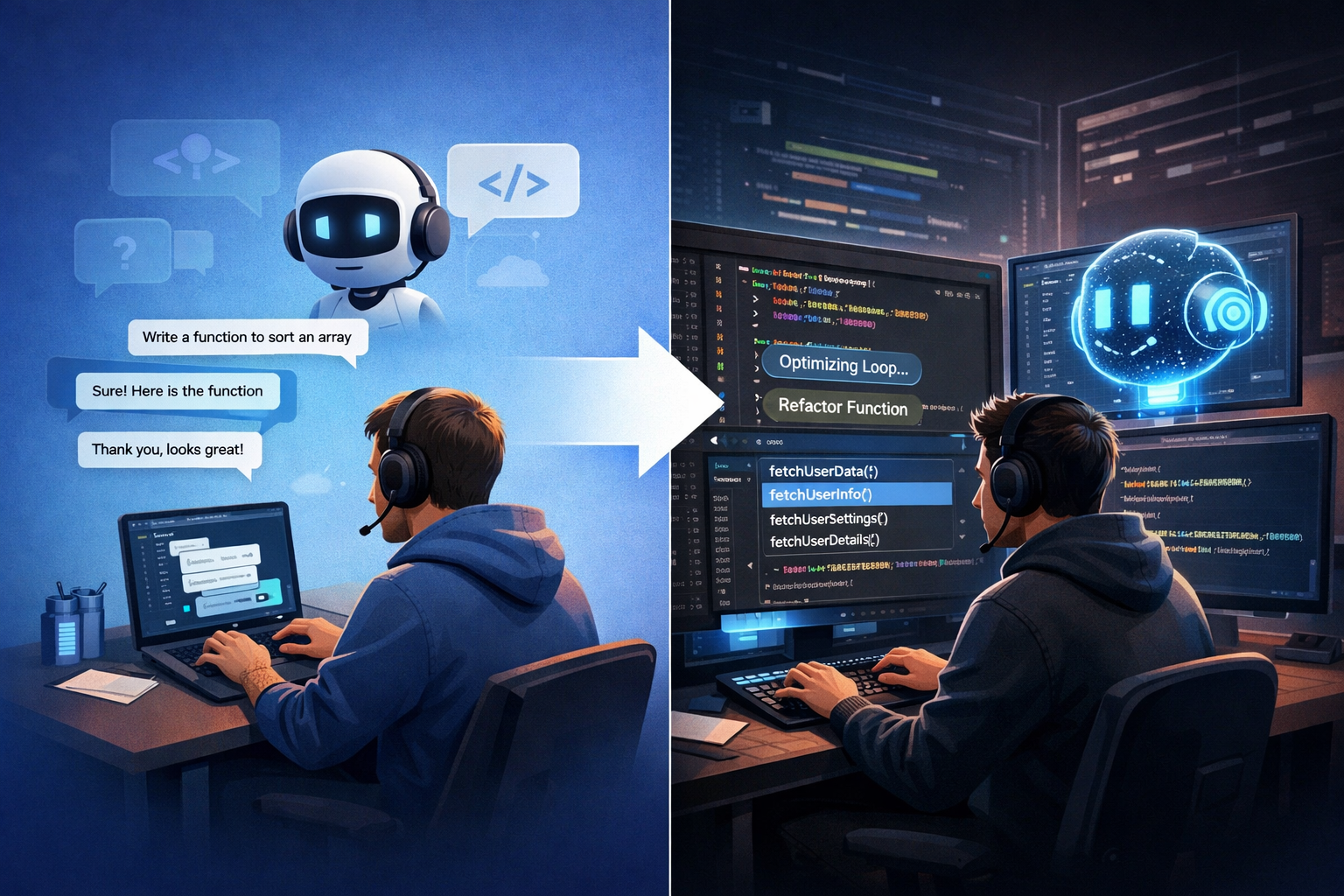
Anthropic released a complete redesign of its Claude Code desktop application on April 14, 2026, introducing the ability to manage multiple AI coding sessions simultaneously from a single window. The update, accompanied by a new cloud automation feature called Routines, represents a significant shift in how developers interact with AI coding tools, moving from a conversational interface toward an orchestration platform where users can run and manage several tasks in parallel.
Multi-Session Sidebar Enables Parallel Workflows
The redesigned app includes a new sidebar for managing multiple sessions, a drag-and-drop layout for arranging workspaces, an integrated terminal and file editor, plus performance and quality-of-life improvements. The new sidebar puts every active and recent session in one place, allowing users to kick off work across multiple repositories and move between them as results arrive.
Users can filter by status, project, or environment, with the option to group sessions by project. A new side chat shortcut (Command + 😉 also lets users branch a question off a running task without feeding extra context back into the main thread.
Each session in a Git repository gets its own isolated copy of the project via Git worktrees, so changes in one session do not affect others until committed. This technical approach allows developers to run a refactor in one repository, a bug fix in another, and test-writing in a third without interference between tasks.
Integrated Development Tools Reduce App-Switching
There’s now an integrated terminal for running tests and builds, an in-app file editor for spot edits, a rebuilt diff viewer aimed at large changesets, and an expanded preview pane that handles HTML files and PDFs alongside local app servers. Each pane is also drag-and-drop friendly, so the layout can be arranged to suit.
There are three view modes (Verbose, Normal, and Summary) that let users decide how much of Claude’s tool-call activity they want to see. This allows developers to switch between detailed debugging information and summary-only views without restarting sessions.
In addition, the desktop app now matches Claude Code’s CLI for plugin support, while SSH sessions are supported on Mac as well as Linux.
Routines Enable Cloud-Based Automation
Alongside the desktop redesign, Anthropic introduced Routines, a new automation feature that runs independently of user hardware. A routine is a saved Claude Code configuration with a prompt, one or more repositories, and a set of connectors packaged once and run automatically. The routines are executed on cloud infrastructure managed by Anthropic, so they will keep running even if users shut off their own laptops.
A routine bundles a prompt, a repo, and any relevant connectors into a single configuration that can run on a schedule, fire from an API call, or trigger off a GitHub event such as a new pull request.
According to Anthropic, Pro users can run up to five routines per day, Max users get 15, and Team and Enterprise users will receive 25. Customers can exceed these limits, but they’ll be billed extra for the privilege.
Shift from Conversation to Orchestration
The new app is built for how agentic coding actually feels now: many things in flight, and you in the orchestrator seat. This philosophical shift reflects changing developer workflows where AI assistants handle multiple simultaneous tasks rather than sequential conversations.
Anthropic developer Felix Rieseberg noted on X that this version was “redesigned from the ground up for parallel work,” emphasizing that it has become his primary way to interact with the system.
Routines move execution to Anthropic’s web infrastructure, decoupling progress from the user’s local machine. This means a critical task, such as a nightly triage of bugs from a Linear backlog, can run at 2:00 AM without the developer’s laptop being open.
Availability and Platform Support
The redesigned desktop app is available now for all Claude Code users on Pro, Max, Team, and Enterprise plans, and via the Claude API. Users can download the app, or update and restart if they already have it.
At launch, the redesigned Claude Code desktop app supports macOS and Windows only. Anthropic has stated Linux support is coming in the following weeks.
Routines are available in research preview to Pro, Max, Team, and Enterprise users with Claude Code on the web enabled.
Key Facts
- Release date: April 14, 2026
- Multi-session management: New sidebar allows running multiple Claude Code sessions simultaneously with Git worktree isolation
- Integrated tools: Terminal, file editor, diff viewer, and HTML/PDF preview now built into the app
- Routines limits: Pro users get 5 daily routines, Max users get 15, Team/Enterprise users get 25
- Platform support: macOS and Windows at launch, Linux support coming soon
- Three view modes: Verbose, Normal, and Summary for customizable detail levels
- SSH support: Now available on Mac in addition to Linux
Sources
- Redesigning Claude Code on desktop for parallel agents | Claude
- Anthropic Rebuilds Claude Code Desktop App Around Parallel Sessions – MacRumors
- Anthropic’s Claude Code gets automated ‘routines’ and a desktop makeover – SiliconANGLE
- We tested Anthropic’s redesigned Claude Code desktop app and ‘Routines’ — here’s what enterprises should know – VentureBeat
Sources
- Redesigning Claude Code on desktop for parallel agents | Claude
- Anthropic Rebuilds Claude Code Desktop App Around Parallel Sessions – MacRumors
- Claude Code Desktop Redesign: Multi-Sessions + Routines (2026)
- Anthropic’s Claude Code gets automated ‘routines’ and a desktop makeover – SiliconANGLE
- We tested Anthropic’s redesigned Claude Code desktop app and ‘Routines’ — here’s what enterprises should know
- Claude Code Desktop Redesign 2026: Hands-On First Take