AI-Powered Claude Code Converts Figma Designs to Sites
 4 min read
The intersection of artificial intelligence and web design has reached a new milestone with tools that bridge the gap between conceptual sketches and fully functional websites. A recent tutorial video demonstrates how designers can now use Figma for initial design concepts and Claude Code to transform those ideas into animated, production-ready websites without extensive coding knowledge.
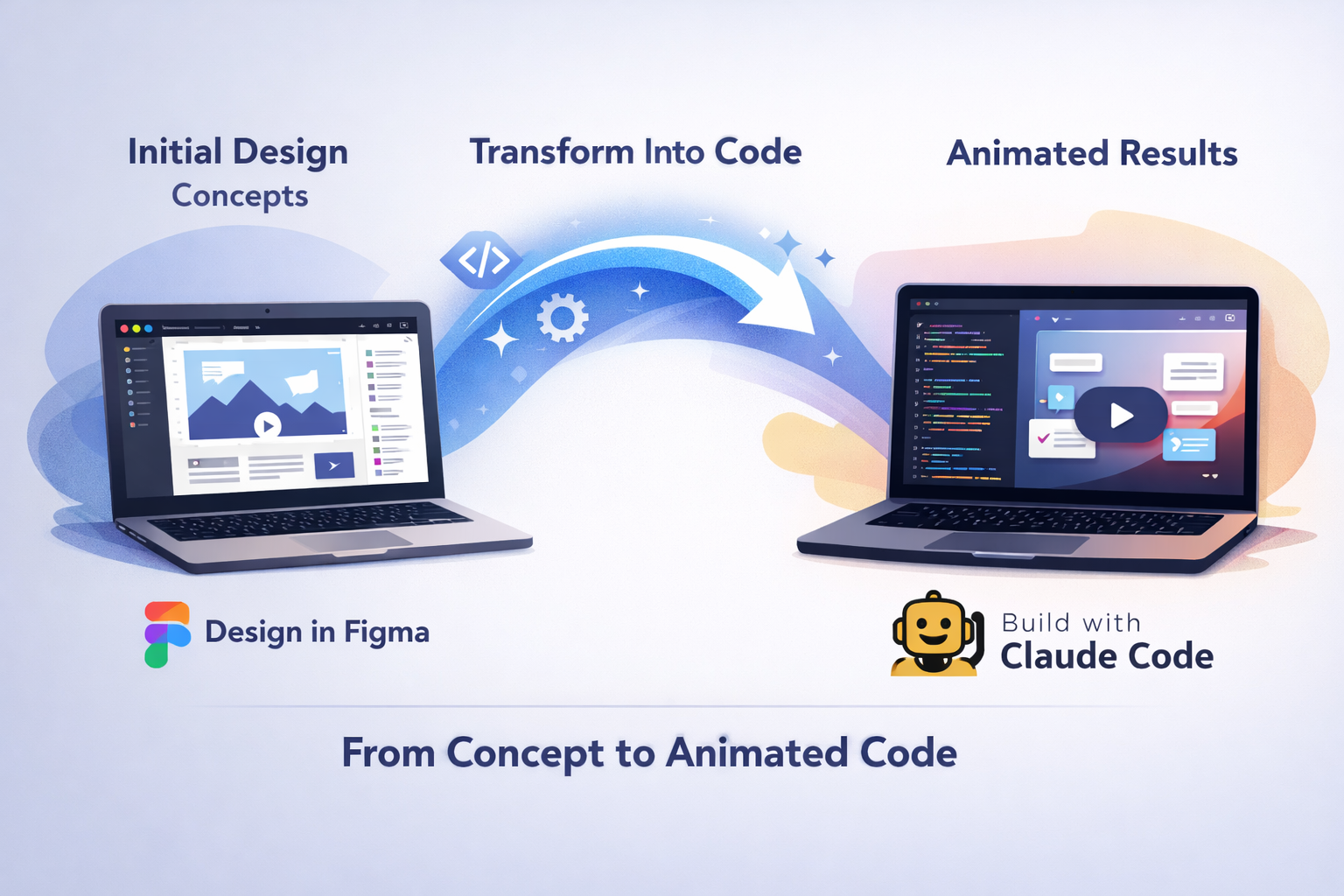
This workflow, showcased in a YouTube tutorial published in late May 2026, illustrates a streamlined process where creators sketch portfolio website concepts in Figma and then leverage Claude Code’s AI capabilities to generate the implementation code, complete with animations and interactive elements. The approach highlights the growing trend of AI-assisted web development that makes professional-grade design accessible to non-developers.
Claude and Figma Integration Advances
Claude Code workflows can now capture real, functioning UI from a browser and convert it into editable frames on the Figma canvas, according to an official Figma blog post from February 2026. This bidirectional integration represents a significant advancement in design-to-development workflows.
Claude Code can write directly to the Figma canvas through Figma MCP, enabling designers to describe interfaces in natural language and have them built automatically. The integration supports multiple use cases, from mapping user flows with diagrams to implementing Figma designs as fully functional websites in HTML and CSS.
Design System Compliance Remains a Challenge
While the technology shows promise, practitioners have identified key limitations. Results can be visually pixel-perfect, but often contain hardcoded values like #5C6AC4 instead of proper design tokens, and create one-off components rather than using existing design system libraries.
To address these issues, designers have built Claude Code Skills specifically for Figma design workflows, with four skills each handling one job. These custom skills enforce design system compliance by requiring the AI to search connected component libraries first before building from scratch, and by automatically converting hardcoded color values back into semantic design tokens.
Real-World Workflow Testing
Designers experimenting with the Claude-Figma workflow have reported mixed results regarding efficiency. While production from design to code felt faster, designing directly in the browser with Terminal or Claude’s desktop app created slowdowns, as prompting changes required time to confirm commands and wait for Claude to complete modifications.
Some practitioners found it more efficient to make visual and aesthetic changes in Figma first, then return to Claude only when ready to view the design in the browser, suggesting that the tools work best when used sequentially rather than simultaneously.
Rapid Design System Creation
One notable application involves extracting design systems from existing websites. Tasks that previously took several days to set up and sync between code tokens, components, and Figma can now be achieved within about 30 minutes using Claude Code with proper context engineering, according to developers documenting their workflows.
The process involves using specialized commands to extract design tokens from websites, generate semantic CSS variables, create React components, and replicate everything in Figma automatically. Figma MCP now supports agents writing directly to its canvas, eliminating a previous bottleneck in the workflow.
Key Facts
- Figma announced Claude Code integration capabilities on February 17, 2026, enabling workflows that convert browser UI into editable Figma frames
- Claude Code can write directly to Figma canvas through Figma MCP, supporting natural language interface creation
- Design system setup time has been reduced from several days to approximately 30 minutes using Claude Code with proper workflow engineering
- The Figma connector translates designs into production-ready code with 1:1 visual fidelity
Sources
- Design a Fully Animated Website with AI – Claude Code (YouTube)
- From Claude Code to Figma: Turning Production Code into Editable Figma Designs (Figma Blog)
- How to make Claude Code follow your design system in Figma (UX Collective)
- Defining and creating a basic Design System based on any website using Claude (DEV Community)