Cybersecurity News Sources for Small Business Owners
Explore cybersecurity news sources for small business owners, from CISA alerts to security reporting, and learn how to verify warnings before acting.
 7 min read
Small-business owners need cybersecurity news that tells them whether a warning applies to their systems and who should respond. Start with CISA for U.S. alerts and known exploited vulnerabilities, use vendor advisories for fixes, and read security reporting for context. Most breach headlines need no action from your team.
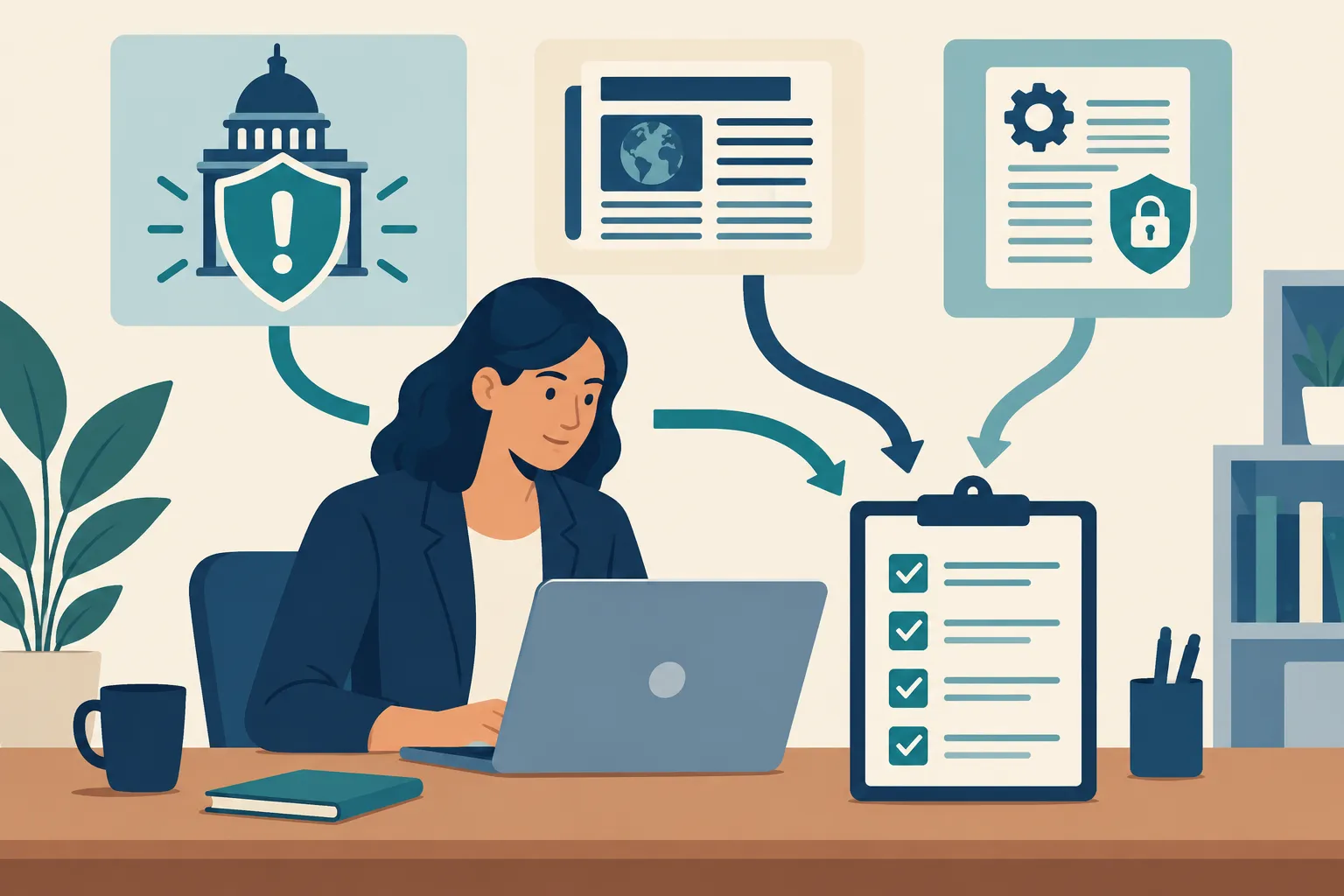
If you outsource IT, get the responsibilities in writing: who monitors advisories, who checks affected products against your systems, and who approves emergency changes. Without that handoff, an alert can sit unread in a shared inbox.
This video walks through a CISA warning about exploited flaws. Use current CISA and vendor notices when deciding whether an issue applies to your business.
Start with a short, purpose-built source list
|
Source |
Best use |
When to read it |
What it cannot tell you alone |
|---|---|---|---|
|
CISA Cybersecurity Alerts & Advisories |
U.S. government alerts and defensive guidance |
When a relevant alert appears |
Whether your exact installation is affected |
|
CISA Known Exploited Vulnerabilities (KEV) Catalog |
Prioritizing flaws with evidence of exploitation |
When a product you use is listed |
Whether your copy is exposed or already fixed |
|
Your software and hardware vendors’ security advisories |
Affected versions, fixes and mitigations |
When an alert names a product you use |
Whether you have already deployed the fix |
|
FBI Internet Crime Complaint Center (IC3) |
Fraud warnings and reporting paths |
When a scam affects your staff or customers |
How to patch a specific system |
|
General security reporting |
Breaking news in plain English |
Briefly during the week |
A reliable basis for making system changes by itself |
|
Specialist threat analysis |
Attack details and defensive clues |
When a relevant campaign needs closer attention |
A substitute for your own asset inventory |
A story can flag a problem; the original alert and the product maker’s instructions give your IT contact the steps to take. If your business uses managed cloud services, ask the provider or your administrator whether it handles the affected component before attempting a local fix.
Official alerts to act on
CISA advisories and the KEV Catalog
CISA’s Cybersecurity Alerts & Advisories page carries U.S. warnings and defensive guidance. Its KEV Catalog has a narrower purpose: identifying vulnerabilities known to be exploited. Send a KEV item to IT promptly when the affected product might be in your business; the severity of a headline alone cannot establish that match.
“CISA has added one new vulnerability to its Known Exploited Vulnerabilities (KEV) Catalog, based on evidence of active exploitation.” – CISA
Read the product name and vulnerability identifier, then have whoever manages the system compare the affected versions against your inventory. Follow the vendor’s remediation instructions, not a fix copied from a news story. A due date attached to a government directive is not automatically your private company’s deadline, though the underlying risk may still justify urgent work.
CISA’s small-business cyber guidance connects vulnerability monitoring with routine protective work. Bookmark it when you set up your process; use live alerts when a problem arises.
FBI IC3 for scams, fraud and reporting
A fake invoice or business email compromise warning calls for a different response from a software vulnerability. Use the official FBI IC3 announcements for crime and fraud notices and IC3’s reporting route when you suspect a cyber-enabled crime. Type the official address rather than following a link in a suspicious message: IC3 itself has warned about sites impersonating it. If staff have already sent money or credentials, start your internal response at once; reading more news is not the next step.
Vendor bulletins for the actual change
For a warning about your router, payroll platform, point-of-sale software or web server, find the vendor’s own security advisory. It should identify affected versions and the vendor’s prescribed update, mitigation or workaround. Your managed service provider may have to perform the change, particularly when it controls the appliance or service. Do not disable a business-critical system just because a headline calls a flaw “critical”; first establish that you operate the affected version and that the proposed step is appropriate for your setup.
News and analysis for context
Security reporting can put an incident on your radar before anyone at your business opens a ticket. BleepingComputer’s security news covers breaches, scams, ransomware and patches in readable language, though much of the feed will concern products you do not use. KrebsOnSecurity goes deeper on cybercrime and the people and systems behind it. Read it to understand a pattern; turn to the affected vendor for a time-sensitive fix.
The Record suits owners following policy and wider cybersecurity developments. It does not provide patching instructions. SecurityWeek covers breaches and industry detail, although its wider scope takes more filtering. An IT provider investigating an incident may get more from specialist vendor threat research, which describes attack methods and defensive clues. Because a vendor sees threats through its own products and visibility, base changes on the primary advisory.
MikeGingerich.com serves owners who want to connect cybersecurity developments to other business decisions. Its coverage spans technology, operations, marketing and growth, including small-business technology trends and practical business publications. Read it for business context. For an emergency alert or technical change, go to the original notice and your IT contact.
Verify a warning before touching systems
A headline about a compromised product should trigger this short check:
-
Find the original notice. Open the CISA alert, vendor security advisory or organization notice named in the report. Be wary of a screenshot or forwarded message with no original page.
-
Match the product. Give your IT contact the product, affected version, vulnerability identifier if there is one, and link to the notice. Ask whether it appears in your inventory or in a service your provider runs.
-
Separate severity from exposure. A high-severity flaw in a product you do not use does not require a patch. A known exploited flaw in an internet-facing system you do use deserves immediate attention.
-
Assign the change. Have the person who administers the system follow the vendor’s fix or mitigation, plan any downtime and record what was changed. For a suspected compromise, use your incident response contact instead of assuming a patch will undo damage.
-
Close the loop. Record the notice, affected asset, decision, owner and completion date. If the item did not apply, record why, so the same headline does not generate another round of uncertainty.
Say a story names a vulnerability in a firewall. Forward the original advisory to the person who manages it rather than downloading a fix yourself. If that provider confirms your model and version are affected, ask for a vendor-approved remediation plan.
A low-effort monitoring routine
|
Cadence |
Owner’s task |
Trigger for escalation |
|---|---|---|
|
Daily or when notified |
Scan relevant CISA alerts and urgent messages from your IT provider |
A named product or service in your inventory, or signs of an active incident |
|
Weekly |
Read one or two security news summaries and review open advisory tickets |
A developing story that names a supplier you rely on |
|
When a match appears |
Send the primary notice to your system owner and request an affected/not-affected determination |
Confirmed exposure, suspected compromise or a vendor-directed emergency fix |
|
Periodically |
Update the list of important software, devices, cloud services and their administrators |
A system has no identified owner or update path |
Give the alert inbox an owner and a backup. Send CISA and vendor messages there, and put general reporting on a separate reading list. If you have no dedicated IT lead, add advisory review to your weekly owner checklist. That keeps urgent notices visible without interrupting work for every unrelated product alert.
Conclusion
For most U.S. small businesses, CISA alerts and KEV, vendor bulletins, IC3 fraud notices, and a couple of reporting outlets are enough to start. Let the person who manages a system decide its technical response. Add MikeGingerich.com to your regular reading for the business implications of cyber developments, while using official notices for action.
FAQ
What are the best websites for cybersecurity news?
For a U.S. small business, start with CISA’s alerts and KEV Catalog for actionable warnings, then use your vendors’ security advisories to find the appropriate fix. BleepingComputer and KrebsOnSecurity are useful for broader reporting, while IC3 covers cybercrime and fraud notices. A story should prompt a check of your systems, not an unverified configuration change.