Figma launches guide for Claude Code design-system skills
 5 min read
Figma has released an official resource guide showing designers and developers how to create custom skills in Claude Code specifically for their design systems. The guide provides step-by-step instructions for building skills that integrate design tokens, component specifications, and accessibility rules directly into AI-assisted workflows, addressing a growing need as AI adoption in design continues to accelerate in 2026.
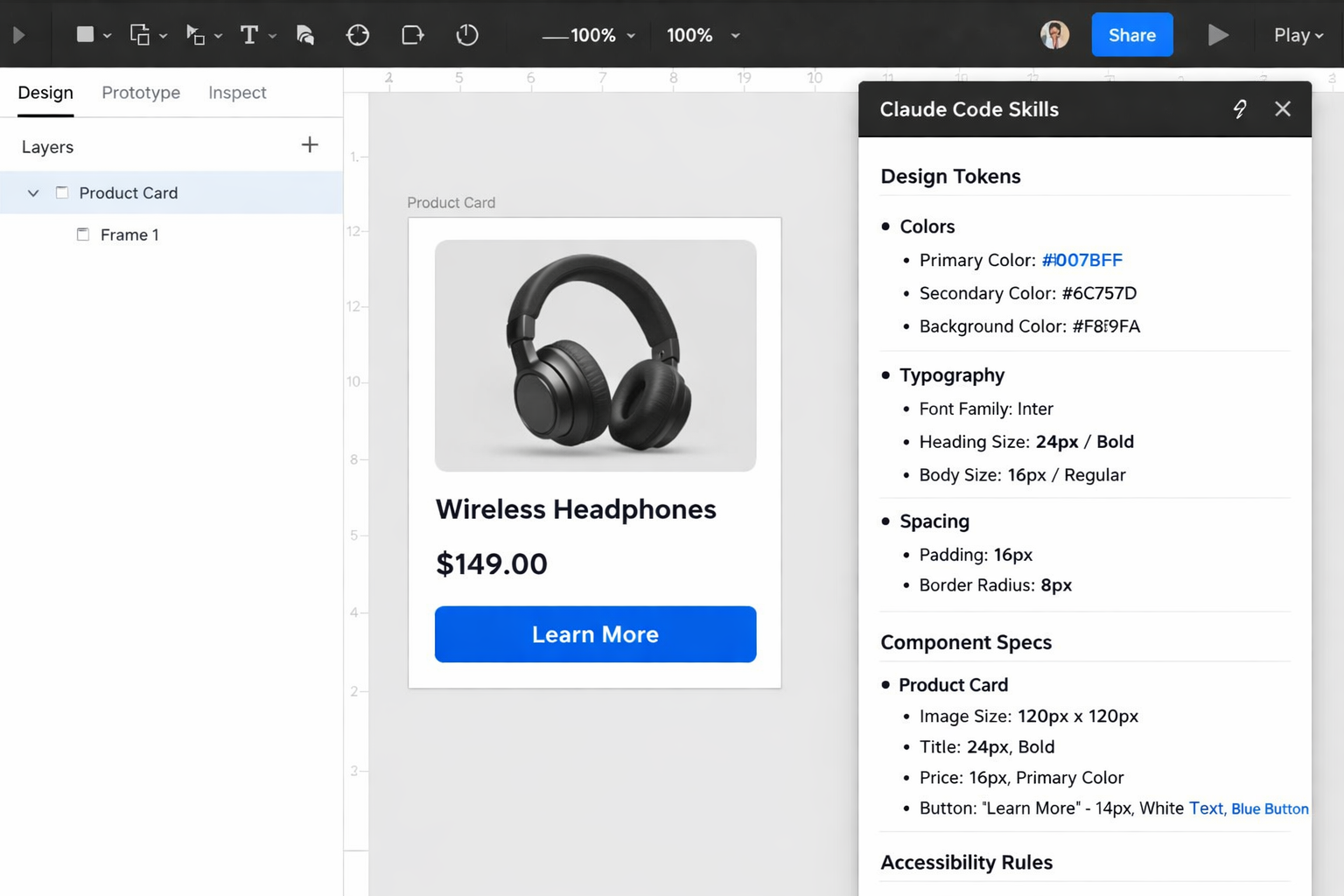
The resource, published on Figma’s official library, demonstrates how to configure Claude Code to understand and apply specific design system rules automatically. According to recent industry data, 54% of designers say using AI in the design process is now the most in-demand skill in the field, making this type of tooling increasingly critical for modern design teams.
Understanding Claude Code Skills for Design Systems
Claude Code skills function as reusable instruction sets that provide persistent context about a team’s design system across all AI conversations. A Claude Skill is a file you write once that tells Claude everything about your design system, with every new conversation starting pre-loaded with your tokens, naming conventions, component specs, and quality rules.
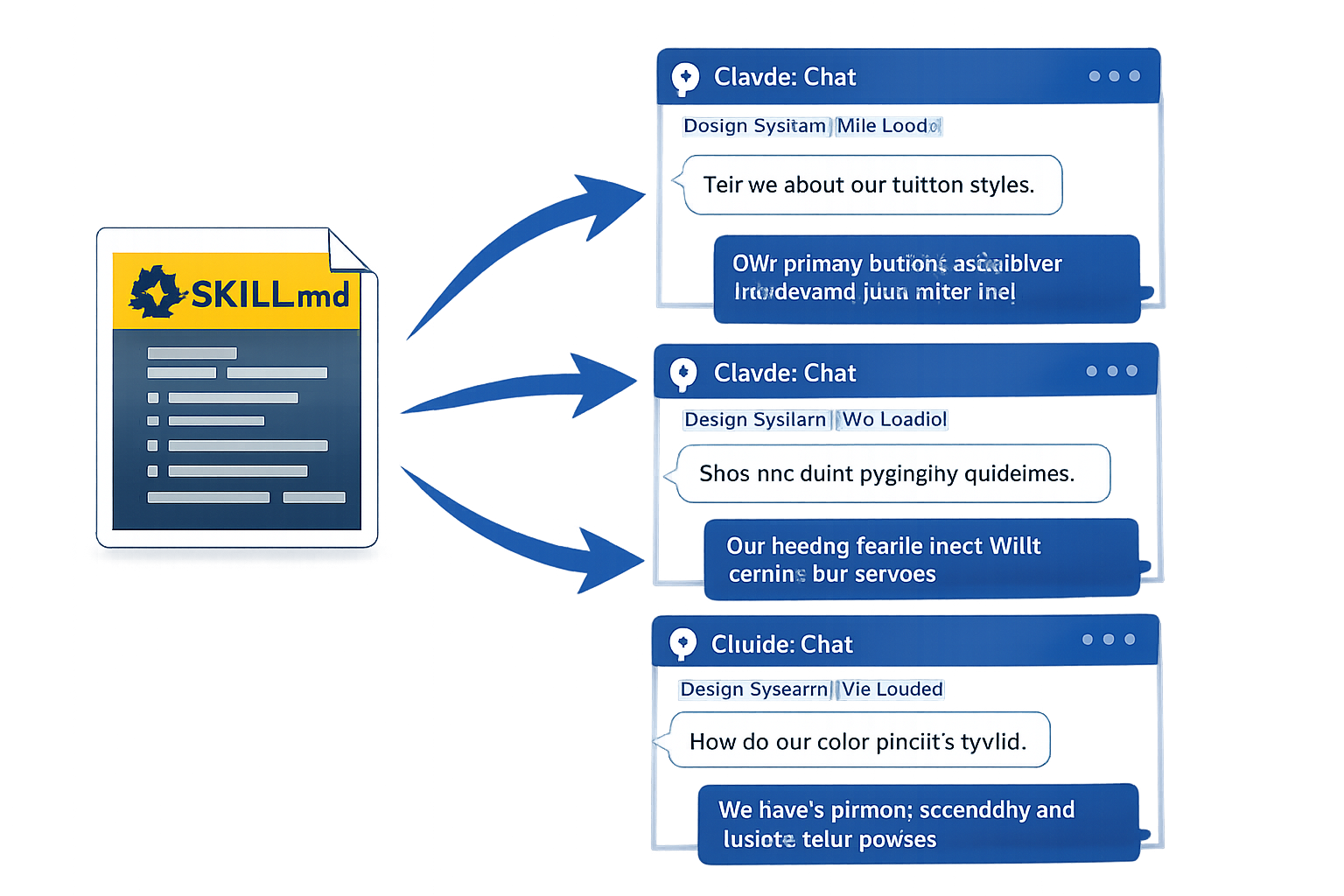
The system uses a SKILL.md file format that allows teams to document their design principles, component libraries, spacing scales, and naming conventions in a way that Claude Code can reference automatically. If you’re sharing with a dev team through a repo, use Claude Code Skills, as they commit alongside your code and everyone on the team gets the same context.
Solving the Context Problem
The guide addresses a common frustration among designers working with AI tools. Most designers have some version of the same story: You ask Claude to explore a layout direction or review some UI copy, and what comes back is technically fine but completely disconnected from your product. It doesn’t know your grid, your component library, or who your users are.
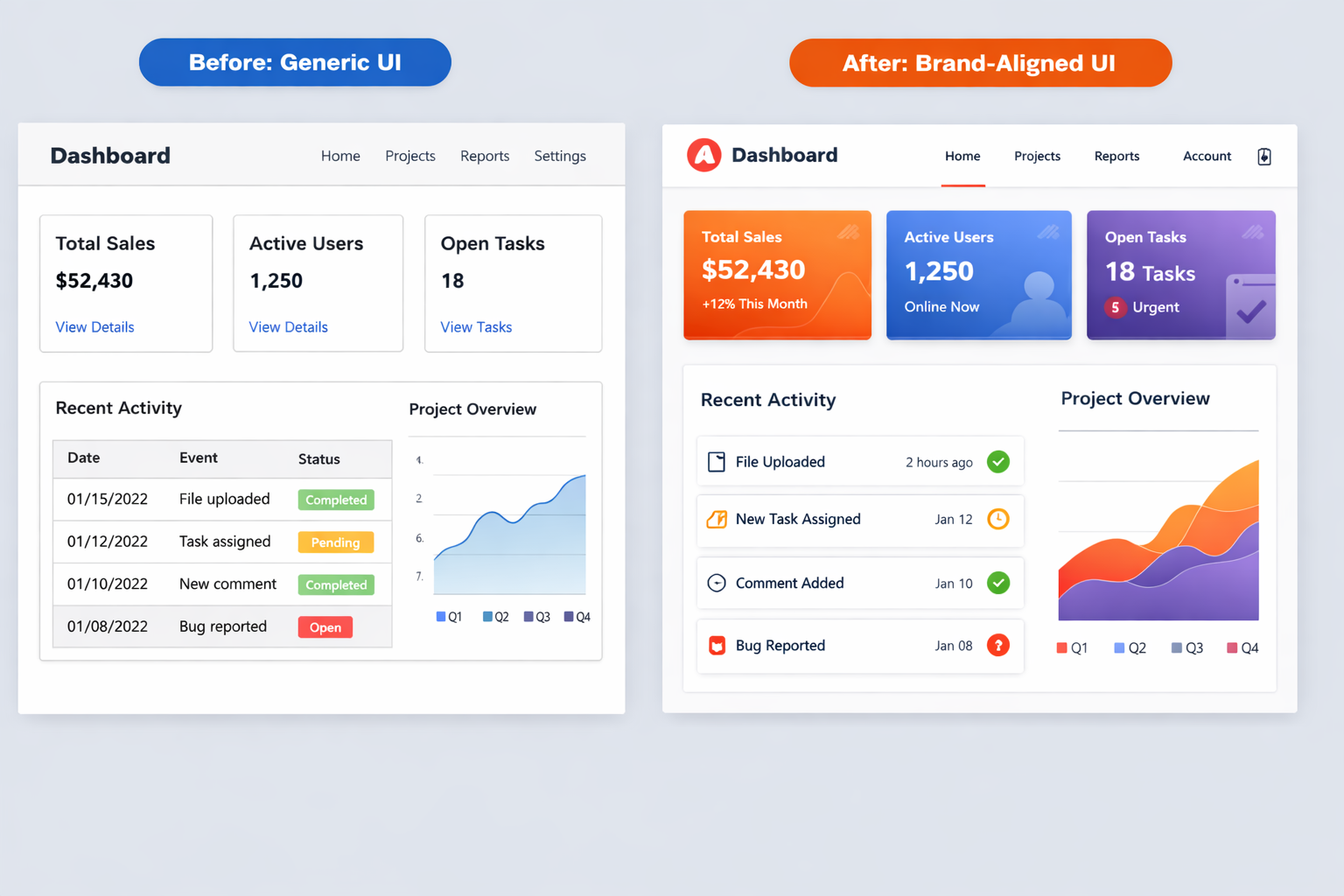
Without skills configured, designers typically need to repeatedly paste design system documentation into new conversations, which is inefficient and error-prone. Skills eliminate this repetitive work by loading the necessary context automatically whenever Claude Code is invoked for design tasks.
Integration with Figma via MCP
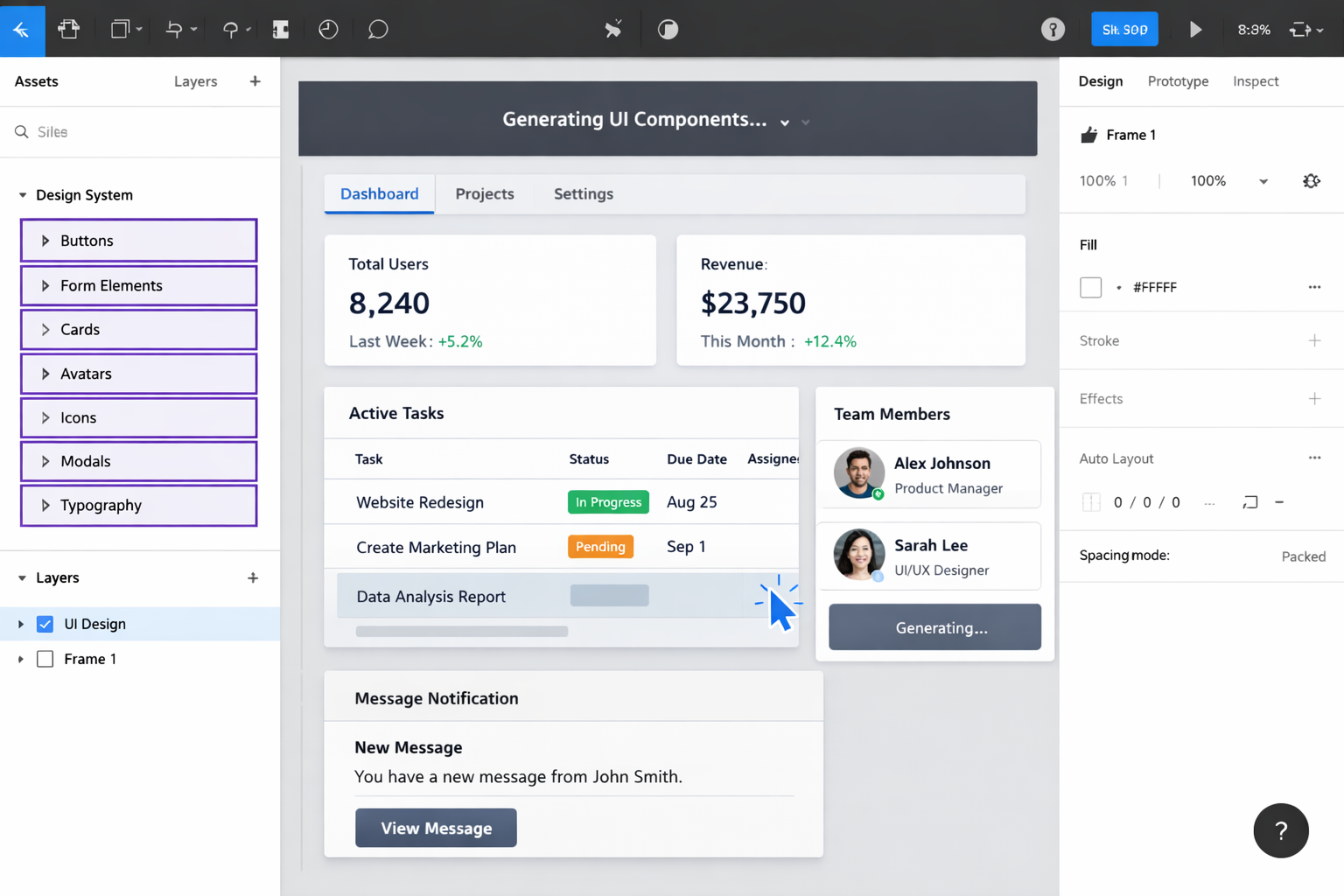
The skills work in conjunction with Figma’s Model Context Protocol (MCP) integration, which connects Claude and Claude Code to the Figma canvas as you build prototypes and production apps, sending your product screens to Figma where they become editable layers using your design system components that can be shared and collaborated on with your team.
This connection enables Claude Code to generate UI designs directly in Figma files while respecting existing design system constraints. You can now use your actual design system in Figma to generate UI layouts using Claude Code, which will help you to get a pretty close transition from Figma Design System to coded layouts.
Community Skills and Extensions
Figma has partnered with community developers to create additional AI skills specifically for design system workflows, which can be found at figma.com/community/skills. These community-developed skills extend the core functionality with specialized capabilities for more complex design system operations.
Notable community skills include tools for syncing design tokens between Figma variables and codebases. There’s a Sync Figma Tokens skill that syncs design tokens between your Figma variables and your codebase, which is essential if you’re building a product where the design system lives in both code and Figma.
From Design to Code
The skills enable a streamlined workflow from design generation to code implementation. Claude will use its Figma skills to inspect the layout, read the design tokens, and generate a full HTML + CSS file, maintaining consistency between design and development phases.
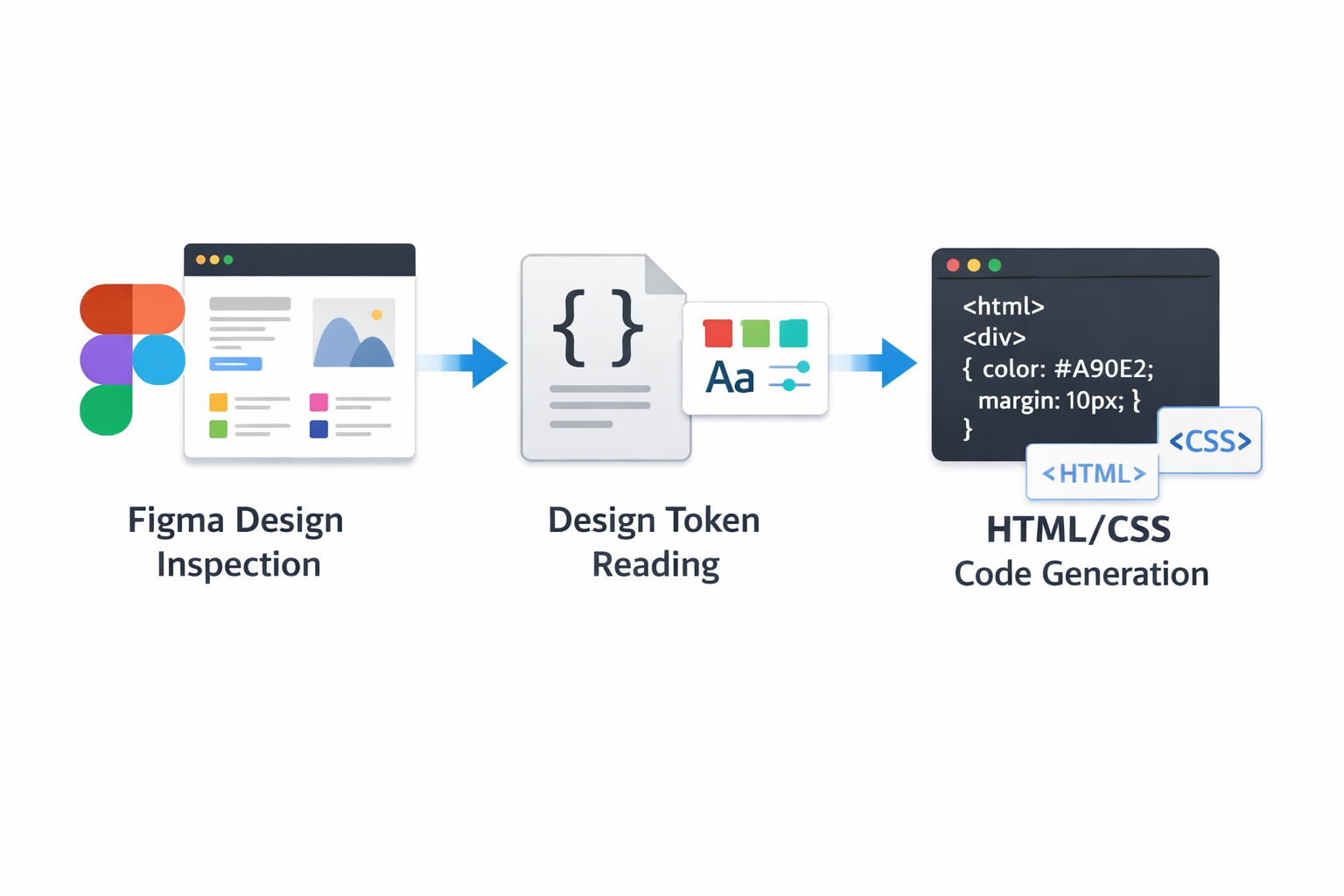
The Figma connector also translates Figma designs into production-ready code with 1:1 visual fidelity, ensuring that what designers create in Figma can be accurately implemented in code without manual translation errors.
Key Facts
- Figma released an official guide for creating Claude Code skills tailored to design systems
- 54% of designers now consider AI skills the most in-demand capability in the design field
- Skills use a SKILL.md file format that commits to repositories alongside code
- Community-developed skills are available at figma.com/community/skills
- The system connects to Figma through Model Context Protocol (MCP) integration
- Skills eliminate the need to repeatedly paste design system documentation into AI conversations
Industry Impact
The release reflects broader trends in how design teams are adapting to AI-assisted workflows. The harder shift is learning to configure AI to work from your context, according to Figma’s analysis of designer needs in 2026. Skills provide a standardized approach to this configuration challenge.
For teams maintaining design systems across both design and development tools, the skills-based approach offers a way to maintain consistency without manual coordination. The ability to version-control skills alongside code also means design system updates can propagate automatically through AI-assisted workflows, reducing the risk of outdated information being used in new work.
Sources
- Figma: How to create a skill in Claude Code for your design system
- Figma: 10 Claude Skills for Design To Improve Workflows
- Claude: Figma Connector
- Design Systems Collective: Turn Your System into a Claude Skill