Claude Code Integrates Zoho Books via MCP
 5 min read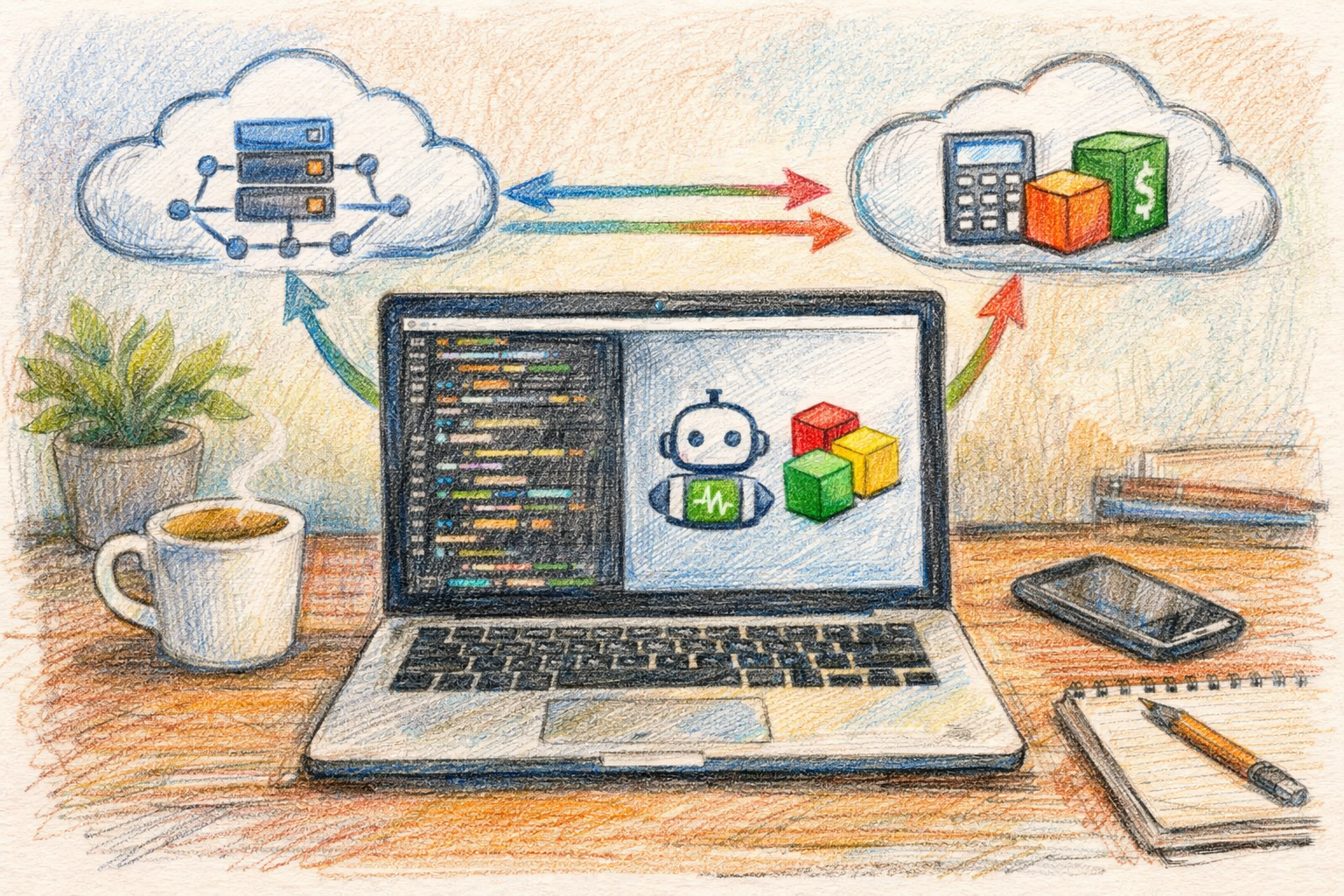
Developers integrating Claude Code with Zoho Books now have access to a streamlined workflow through the Model Context Protocol (MCP), enabling AI-driven accounting operations via natural language commands. The Zoho Books MCP server connects AI assistants like Claude and Cursor directly to Zoho Books accounts, allowing users to manage invoices, track expenses, and execute financial tasks without manual data entry.
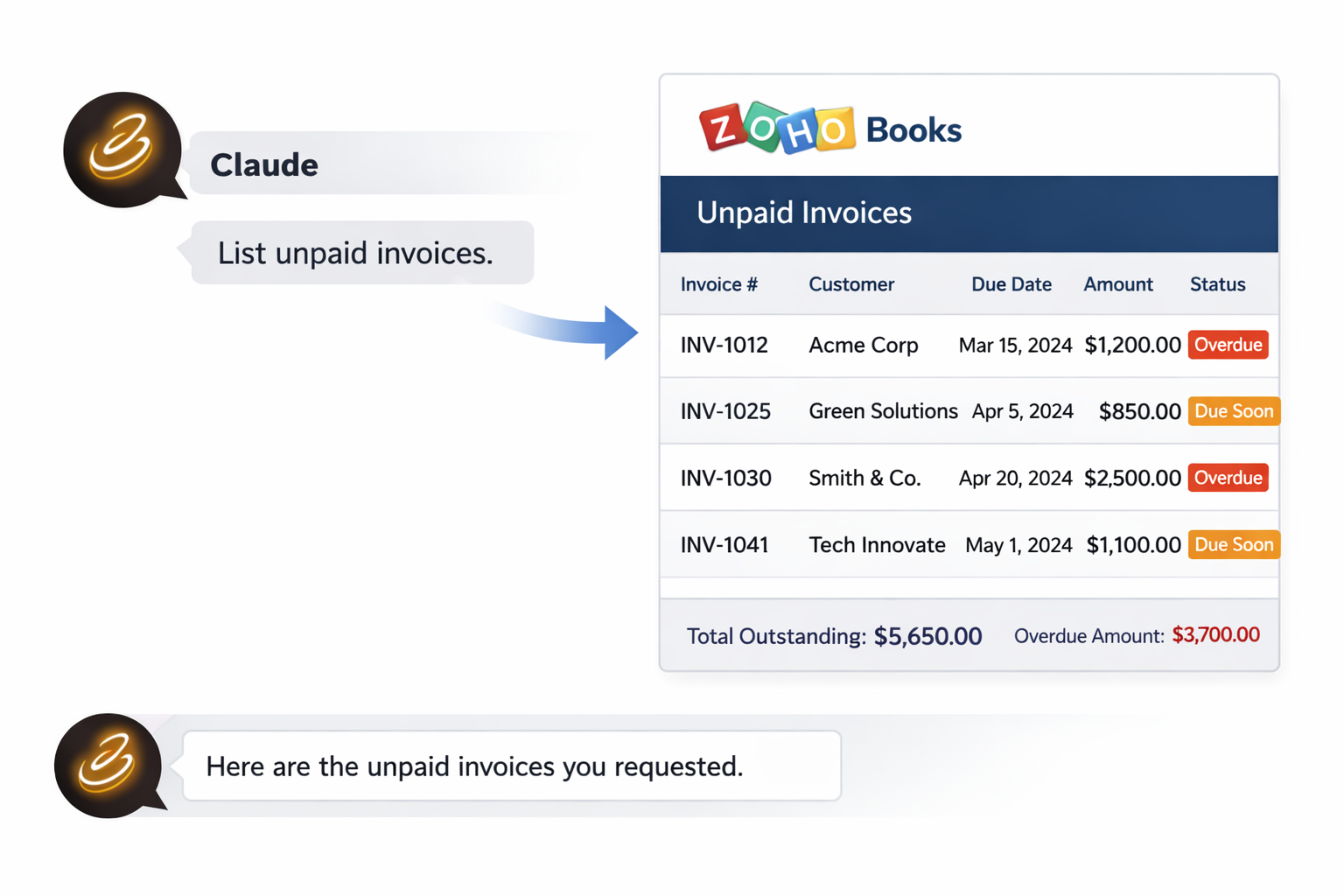
Users can list unpaid invoices for the month, create new expense entries, and perform similar operations using natural language, with authentication handled automatically. The integration represents a significant shift in how development teams interact with cloud-based accounting software, reducing the friction between AI coding assistants and business financial systems.
Technical Integration Process
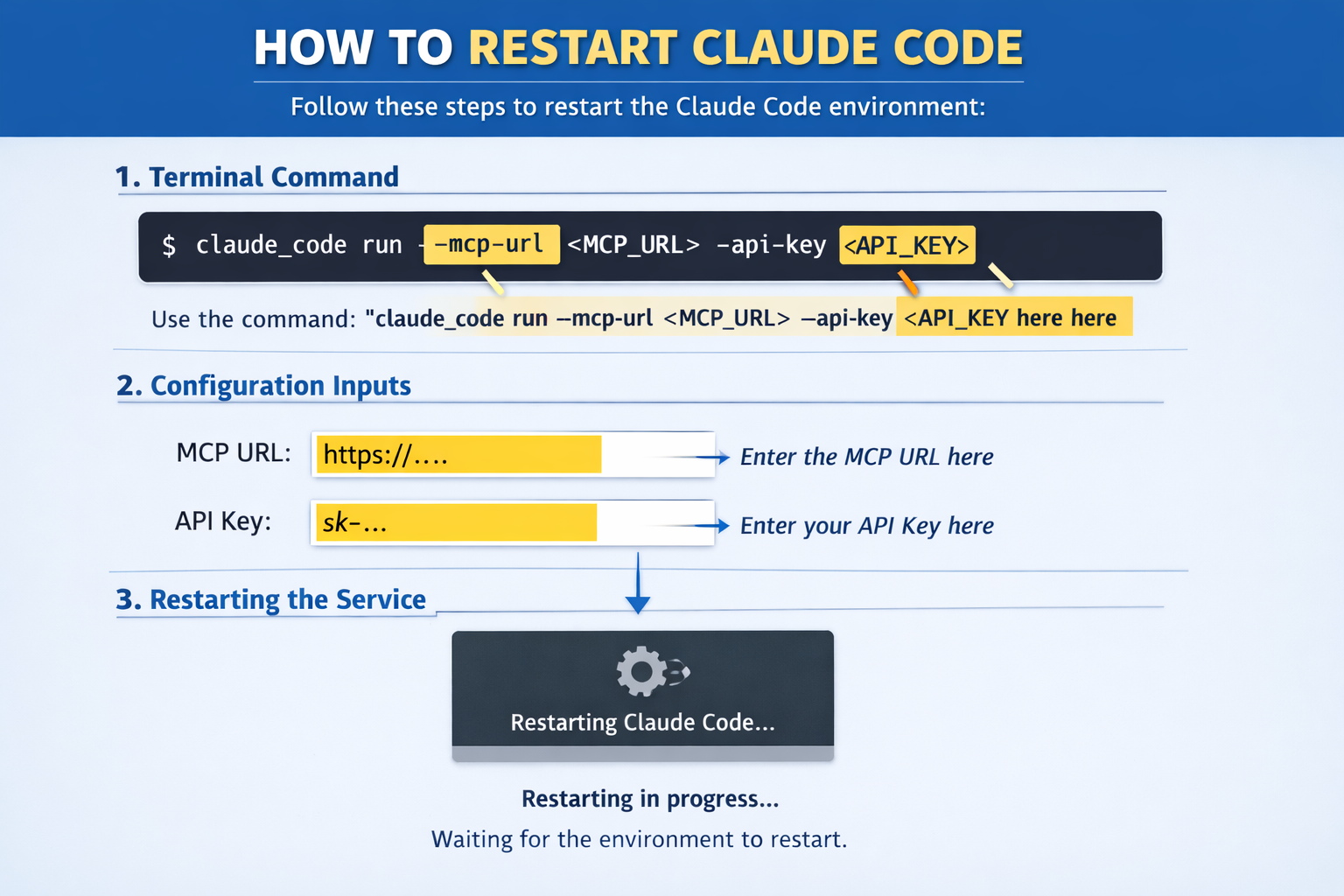
The setup process for connecting Claude Code to Zoho Books requires developers to use Composio’s MCP implementation. Users add the MCP server using the command “claude mcp add –transport http zoho_books-composio” followed by their MCP URL and Composio API key, then restart Claude Code to activate the changes. This command registers an HTTP-based MCP server that Claude Code can reference for subsequent operations.
With the Composio Tool Router, agents can dynamically load tools from Zoho Books and many other apps based on the task at hand, all through a single MCP endpoint. This eliminates the need for developers to build separate connections for each business application they want to integrate with their AI coding workflow.
Capabilities and Use Cases
The integration supports a wide range of accounting operations through conversational commands. Users can create and manage invoices, track receivables by showing unpaid invoices older than 30 days with customer contact details, record expenses under specific departments, and generate financial summaries for quarters by category.
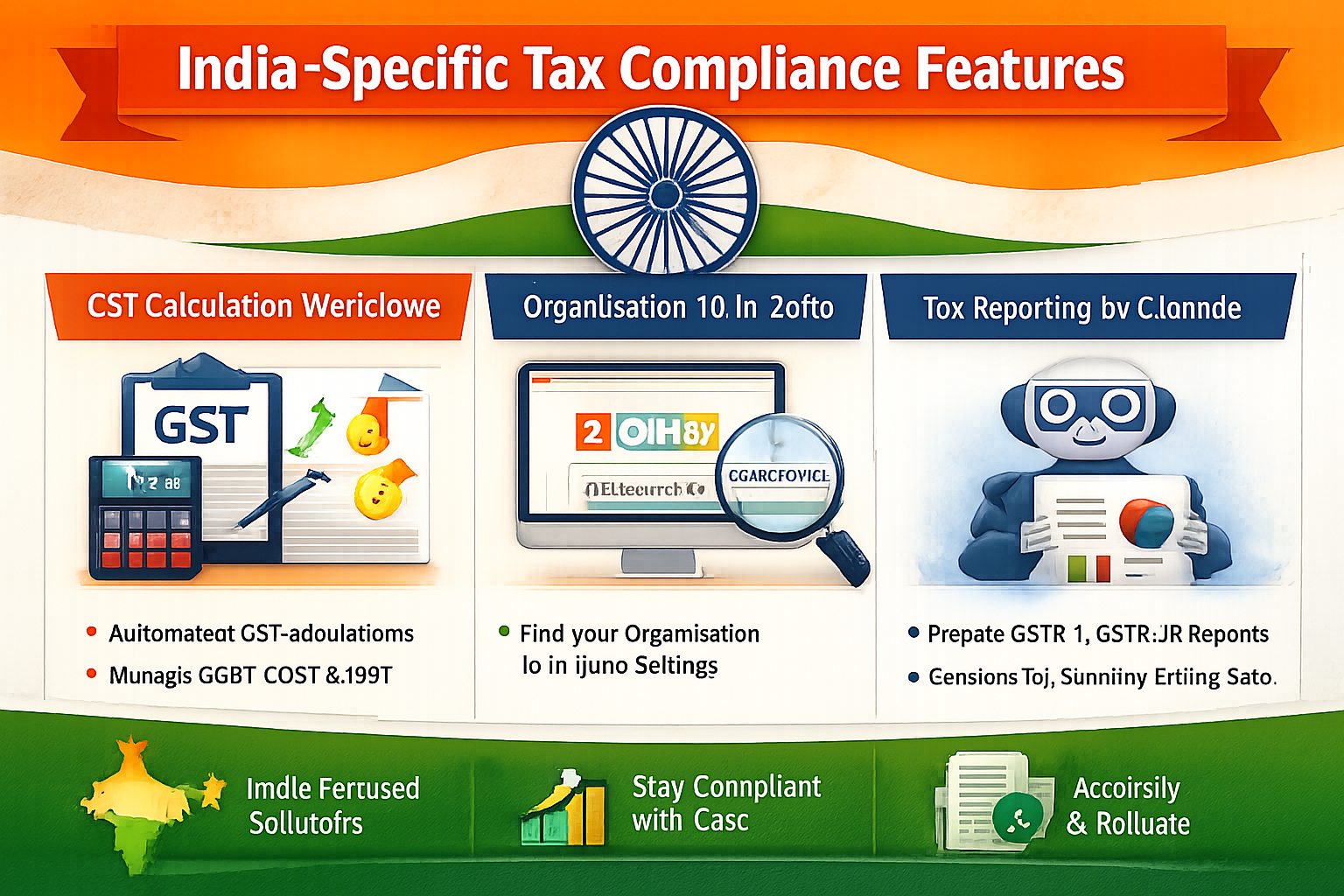
For Indian businesses using Zoho Books, the integration offers specific advantages for GST compliance workflows. Indian Zoho Books accounts require the organisation ID to be passed with MCP requests, which users can retrieve from their Organisation Profile settings. This enables Claude to assist with India-specific tax calculations and reporting requirements that would otherwise demand manual configuration.
Dynamic Tool Management
The system provides dynamic just-in-time access to 20,000 tools across 1000+ apps for cross-app workflows, loading only the tools needed so LLMs aren’t overwhelmed by unnecessary options. This selective loading approach addresses a common challenge in AI integrations where excessive tool availability can degrade performance and increase response times.
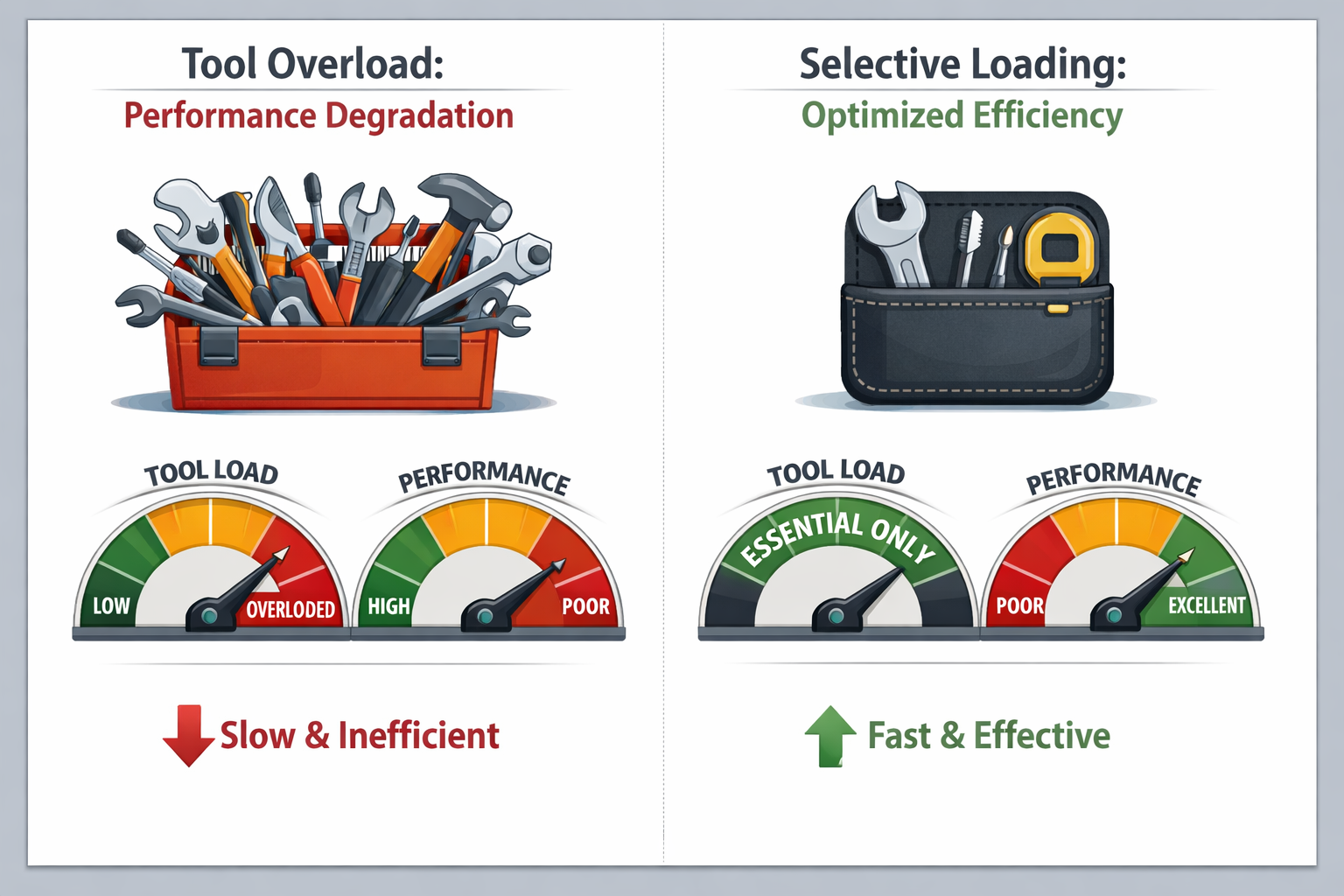
Programmatic tool calling allows LLMs to write code in a remote workbench to handle complex tool chaining, reducing back-and-forth with LLMs for frequent tool calling and handling large tool responses outside the LLM context to minimize context degradation.
Security and Access Control
Authentication and permissions management remain central to the integration’s design. Users can configure which Zoho Books scopes and actions are allowed when connecting their account, bring their own OAuth credentials or API configuration for full control, and all sensitive data including tokens and keys is fully encrypted at rest and in transit.
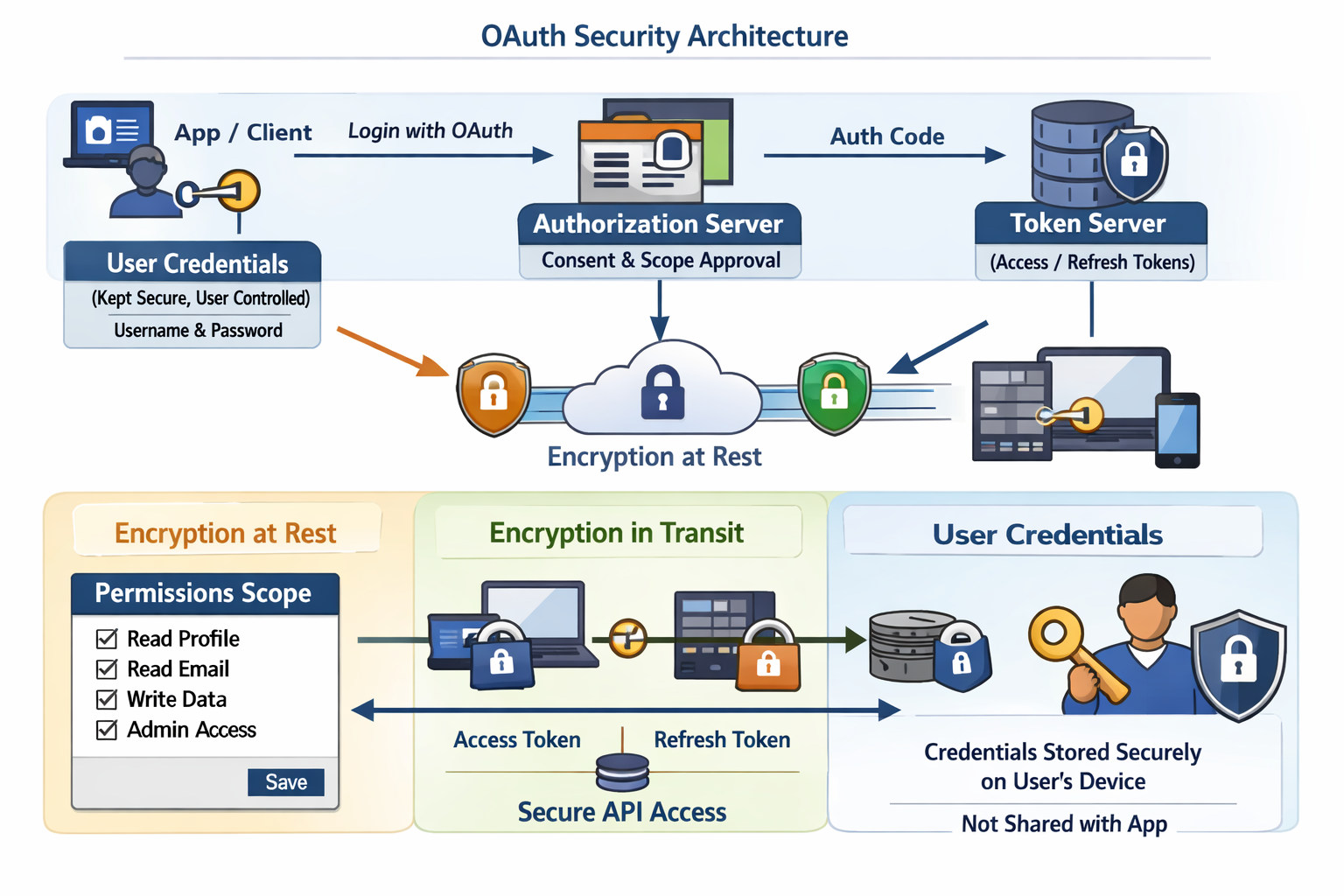
The initial setup redirects users to the Composio OAuth page where they complete authorization, after which the integration is fully operational. This OAuth-based approach ensures that Claude Code operates within the user’s existing permission structure rather than requiring elevated access.
Broader MCP Ecosystem
The Zoho Books integration is part of a larger Model Context Protocol ecosystem that Anthropic launched to standardize AI-to-application connections. MCP is an open standard created by Anthropic that defines a universal protocol for connecting AI models like Claude to external tools, databases, APIs, and services, functioning as a standardized connection port for AI.
Zoho built its own MCP implementation at mcp.zoho.com, turning every Zoho app into an agent-ready endpoint that any MCP-compatible AI can connect to for reading data and executing actions within the user’s existing permission structure. This broader platform extends beyond Zoho Books to include CRM, Desk, Projects, Mail, and over 15 other Zoho applications.
Current Limitations
As of April 2026, MCP configuration in Claude is available in Claude Desktop for Mac and Windows and Claude Code CLI, but the Claude mobile app for iOS and Android does not yet support user-configured MCP servers. Developers working primarily from mobile devices must use alternative approaches or wait for mobile support to be implemented.
The Zoho Books MCP server itself has no additional cost beyond existing Zoho Books subscriptions, though users need an active paid plan to use the MCP integration, and MCP tool use is available on Claude Pro and Claude Max plans while Claude Code requires separate API usage costs billed per token.
Key Facts
- Integration uses the Model Context Protocol (MCP), an open standard from Anthropic for connecting AI to business applications
- Setup requires a single command:
claude mcp add --transport httpfollowed by the MCP URL and API key - Provides access to 20,000 tools across 1000+ apps through a single endpoint via Composio’s Tool Router
- No additional cost for the MCP server beyond existing Zoho Books and Claude subscriptions
- Supports India-specific GST workflows and compliance requirements
- MCP configuration available in Claude Desktop and Claude Code as of April 2026, mobile apps not yet supported
- All authentication uses OAuth with encryption at rest and in transit
Sources
- Zoho books MCP Integration with Claude Code | Composio
- Zoho Books Claude AI MCP: Complete Step-by-Step Integration Guide 2026
- Zoho MCP | Zoho’s Model Context Protocol to empower AI Agents
- Zoho Books Connector | Claude by Anthropic