YouTube Tutorial: Build Sites in Claude Code
 4 min read
A new YouTube tutorial demonstrates how designers can create custom websites in Claude Code using AI-generated inspiration as their starting point. The video walkthrough showcases a workflow that connects conversational AI-driven design exploration with direct implementation in Claude’s coding environment, offering a glimpse into how developers and designers are adapting to new AI-assisted web design tools in 2026.
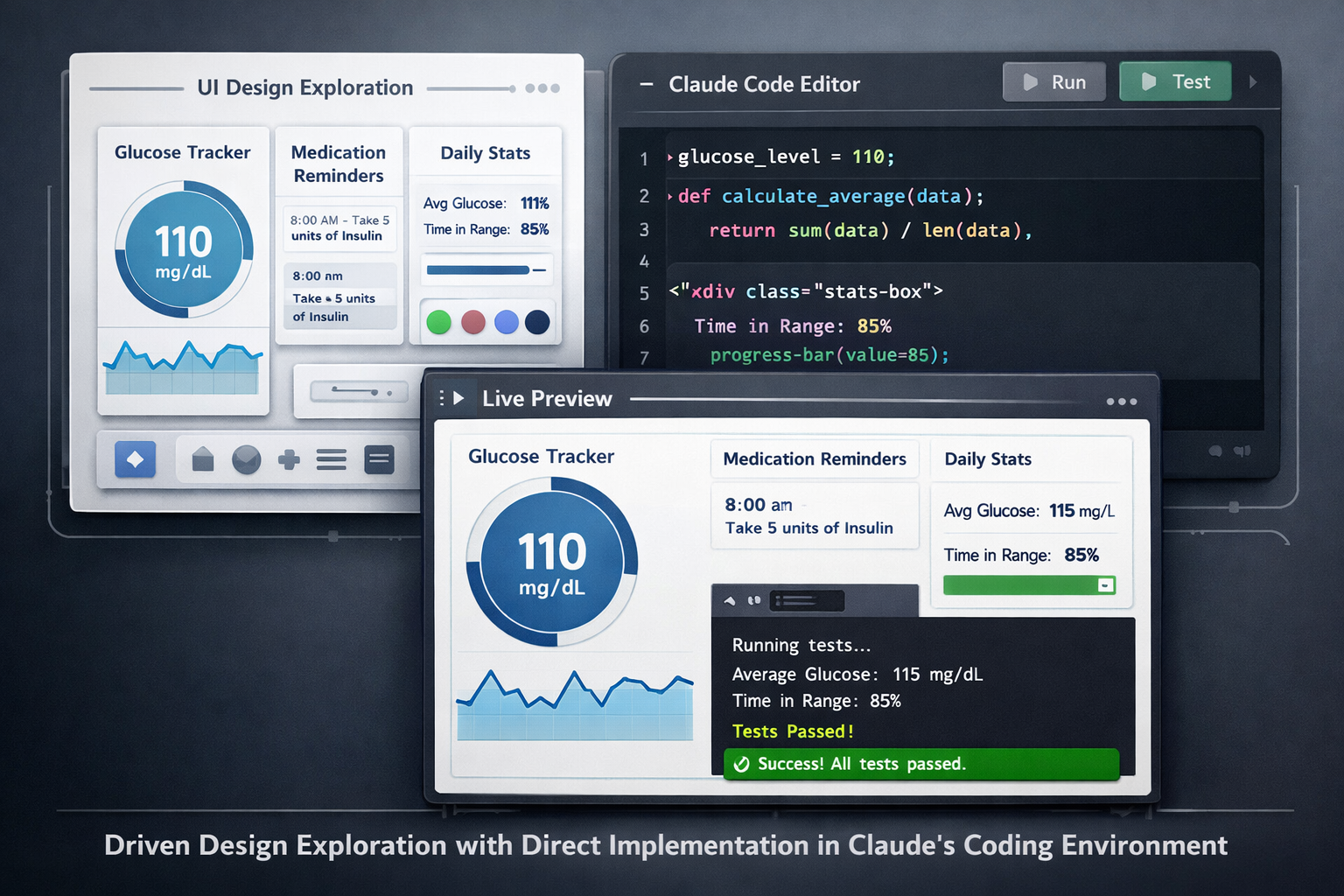
The tutorial, published on YouTube, focuses on bridging the gap between conceptual design and functional code. Users begin by generating design inspiration through AI prompts, then transfer those visual concepts into Claude Code to build landing pages or full web applications. This approach represents a shift from traditional design handoff processes, where designers would create mockups in tools like Figma before handing specifications to developers.
Connecting Design and Development Workflows
The workflow highlighted in the video builds on recent developments in Claude’s ecosystem. Claude Fast has documented a related process that shows how Claude Design prototypes can be handed off directly to Claude Code for implementation. This creates what the platform describes as a closed loop for product design and development, eliminating several intermediate steps that traditionally slowed down web projects.
In the custom website workflow shown in the YouTube demonstration, users can start with text descriptions of their desired aesthetic or functionality, generate visual inspiration, and then ask Claude Code to translate those ideas into working HTML, CSS, and JavaScript. The conversational interface allows designers to iterate on layouts, color schemes, and component structures without writing code manually at every step.
Adobe Creative Cloud Integration Expands AI Design Capabilities
The video arrives shortly after a major announcement in the AI creative tools space. Adobe launched the Adobe for creativity connector for Anthropic’s Claude in late April 2026, which provides access to 50+ pro-grade tools from the Adobe creative suite. The connector orchestrates workflows across Photoshop, Illustrator, Firefly, Express, Premiere, Lightroom, InDesign and Stock, all from within Claude’s conversational interface.
While the Adobe integration focuses primarily on photo editing, video formatting, and asset design, it signals a broader trend toward AI systems that can coordinate multiple professional tools through natural language commands. Adobe describes this push toward agentic workflows, in which creative tools are orchestrated via natural-language prompts across multiple applications.
How the Adobe Connector Works
Guest users can use free tools included in the connector right away (about 40 standard tools), directly in chat. Signing in with a free or paid Adobe account provides more tools, Creative Cloud storage for assets, higher usage limits, and continuity across sessions.
Adobe emphasizes that the connector is designed to work alongside Creative Cloud rather than replace it, and users can continue editing assets in Photoshop or Premiere after generating them in Claude, or transfer work into Firefly Boards or Express for further refinement.
Implications for Web Design and Development
The combination of AI-generated design inspiration and direct code implementation in Claude Code suggests a future where the boundary between design and development becomes increasingly fluid. Designers who traditionally relied on visual design tools may find themselves able to ship functional websites without deep coding knowledge, while developers can accelerate prototyping by starting with AI-generated layouts.
However, the workflows demonstrated in both the YouTube video and Claude’s own documentation still assume human oversight and creative direction. The AI tools handle execution and technical implementation, but users provide the strategic vision, brand requirements, and quality control.
Key Facts
- A new YouTube tutorial shows how to create custom websites in Claude Code starting from AI-generated design inspiration
- Claude Fast documents a design-to-code handoff workflow between Claude Design and Claude Code for product development
- Adobe launched the Adobe for creativity connector in Claude on April 28, 2026, providing access to 50+ Creative Cloud tools through natural language
- The Adobe connector is available in Claude chat, Cowork desktop, and Claude Desktop applications
- Guest users can access approximately 40 free tools in the Adobe connector without an Adobe account
Sources
- Design Custom Websites in Claude Code Based on AI-Generated Inspiration (YouTube)
- Claude Design to Claude Code: AI Design Handoff (Claude Fast)
- Claude + Adobe Creative Cloud: 50+ Tools from One Prompt (Pasquale Pillitteri)
- Adobe for creativity: a new way to create with Adobe, now in Claude (Adobe Blog)